In this article
- What you already own
- Your existing smartphone
- Your existing tablet
- Your existing computer
- Printed QR codes
- Dedicated checkout equipment
- POS integration
- Wallet costs
- Internet requirements
- Full equipment comparison
- Hidden costs worth knowing
- What you don't need
- Real business scenarios
- Security basics
- Frequently asked questions
Most merchants assume there's a real barrier to entry. They picture special terminals, proprietary software, a new merchant account, maybe even a hardware upgrade at the register. If that's where your head is, you're not alone, and you're probably not right.
The actual cost to begin accepting cryptocurrency ranges from zero dollars to a few hundred, depending on how much convenience and professionalism you want to build in. Many businesses are already equipped to take their first crypto payment today, with the phone sitting in their pocket.
This article breaks down the real costs, the optional upgrades, and the things you can safely skip. By the end, you'll have a clear picture of what accepting crypto actually requires, and what it doesn't.
The baseline: what you already own
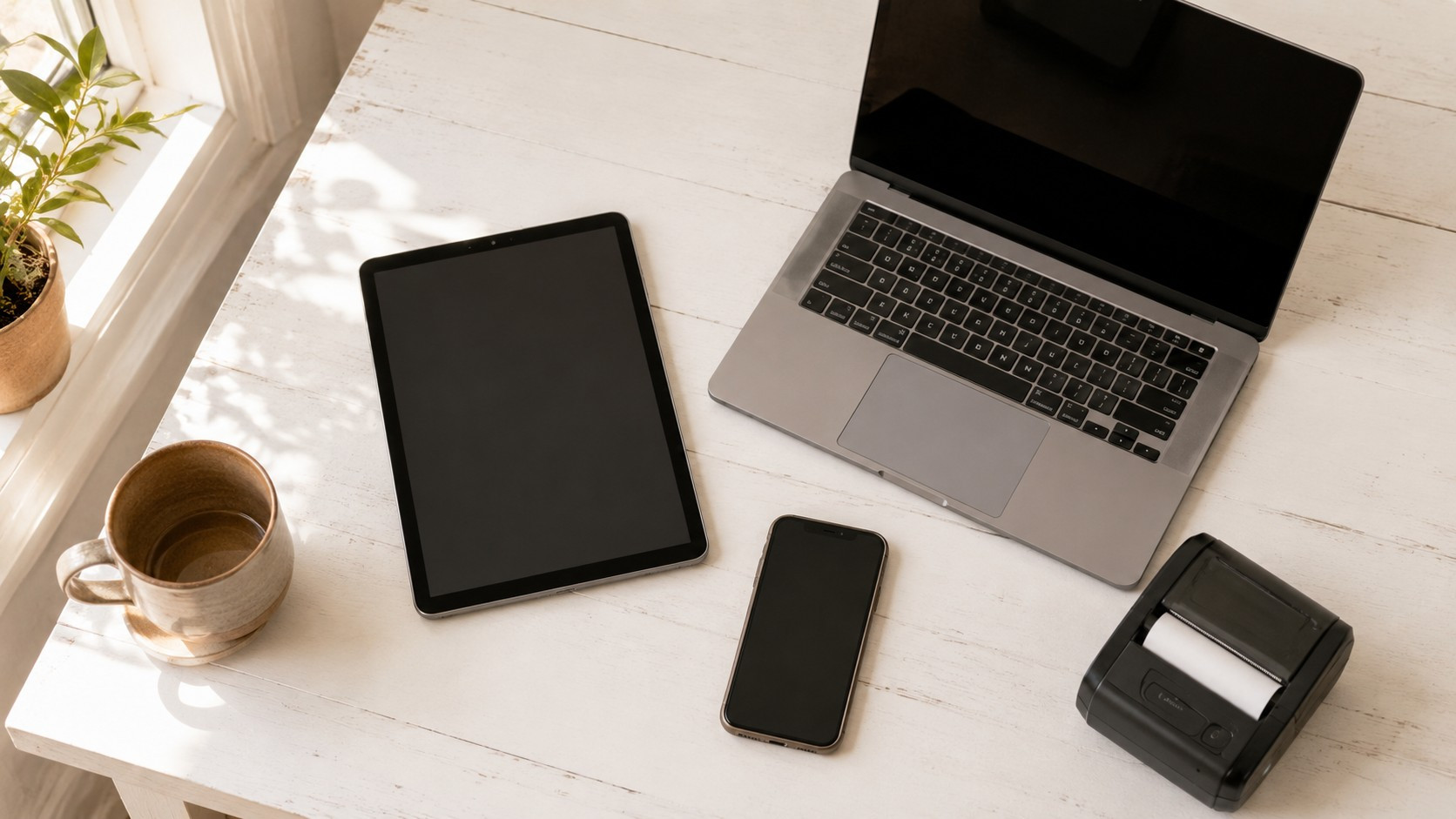
Before spending a dollar, take stock of what you have.
Do you own a smartphone? A tablet? A laptop? A printer?
If you answered yes to any of those, you have everything you need to accept cryptocurrency. The rest is a matter of whether you want to improve the customer experience, speed up the process, or build in better security as your volume grows.
Let's go through each option from cheapest to most involved.
Option 1: Your existing smartphone
Startup cost: $0
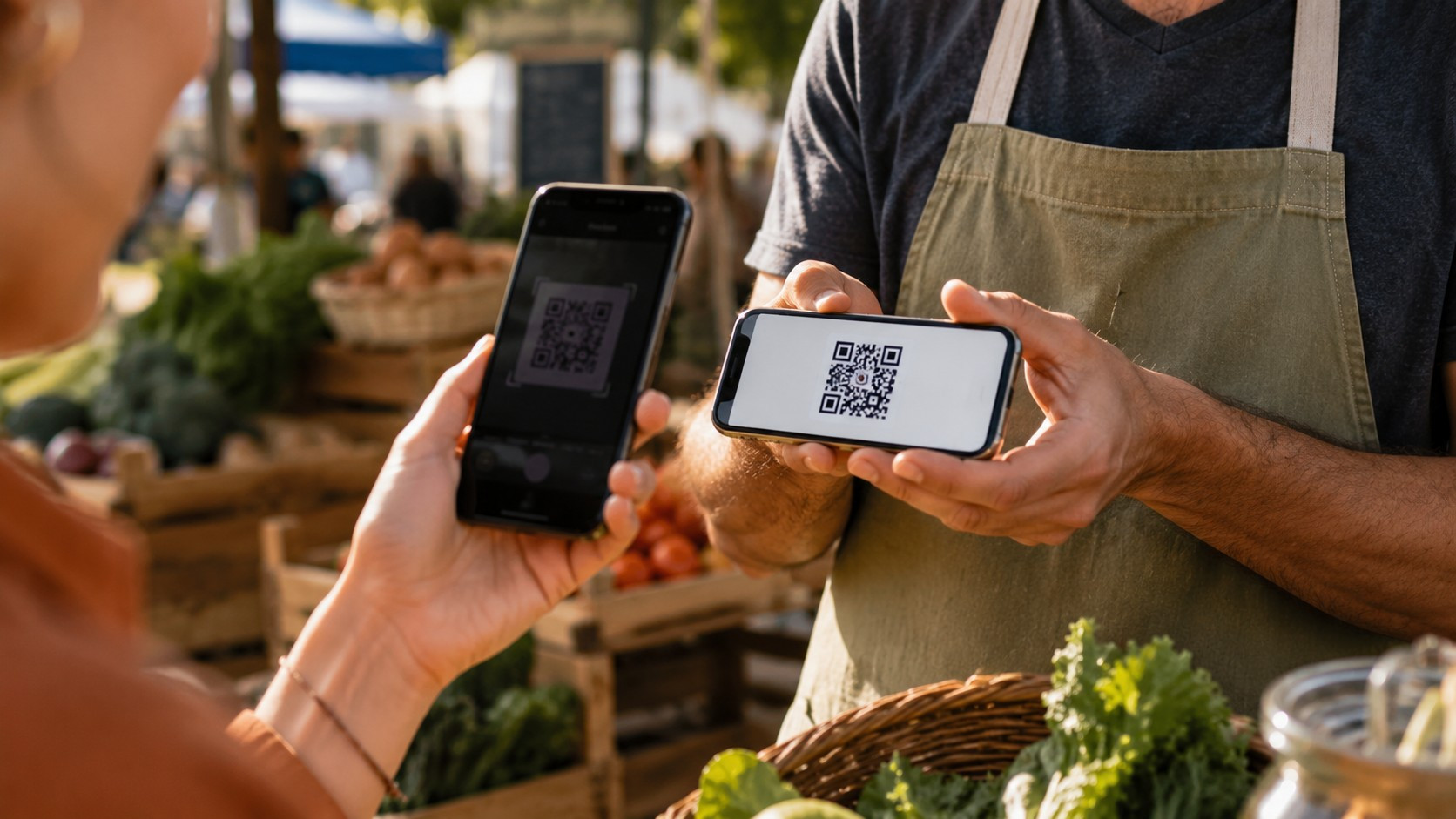
This is the simplest path. Download a free wallet app, generate a receiving address, and display the QR code on your screen. The customer opens their own wallet, scans the code, sends the amount, and you verify the transaction came through. That's the whole process.
Several free wallets work well for this. BlueWallet and Muun handle Bitcoin and Lightning. Trust Wallet covers a wider range of coins. All are free to download and free to use for receiving payments.
What works well: You can be up and running in under an hour. No contracts, no monthly fees, no hardware. For low-volume businesses or anyone testing the waters, this is the right starting point.
What to watch for: A small screen makes QR code scanning harder for customers, especially in bright outdoor light. Payments arrive on your personal device, which creates privacy and security considerations if employees also need access. And confirming a transaction on-screen requires that you or your staff know exactly what to look for.
Best fit: Farmers market vendors, craft fair sellers, food truck operators, independent contractors, musicians, consultants, and anyone taking occasional payments in person.
Mobile merchants running pop-up shops, festivals, or market booths will find the Pop-Up and Mobile Merchant's Guide to Crypto directly applicable. It covers wallet selection, QR code display, payment confirmation in fast-moving environments, and the edge cases that come up when you don't have a fixed counter.
Option 2: Your existing tablet
Startup cost: $0 using existing hardware
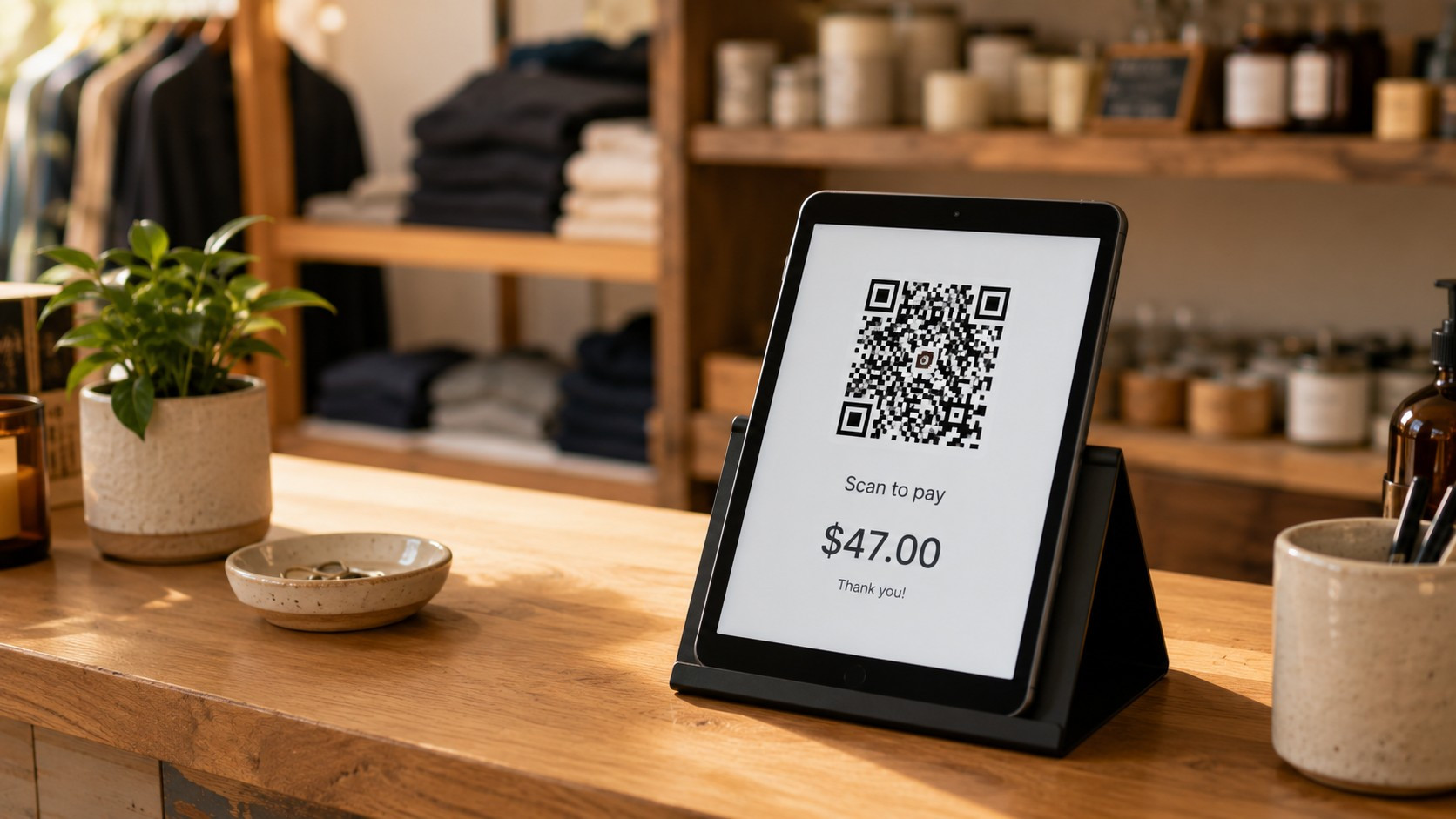
If you have an iPad, Android tablet, or even an older Amazon Fire sitting around, put it to work. A tablet does everything a phone does for payments, but the larger screen makes QR codes significantly easier for customers to scan, reduces errors, and looks more professional at a counter.
The setup is identical: wallet app, receiving address, QR code on screen. The difference is purely ergonomic.
A tablet stand (the kind used for POS displays) runs between $15 and $40 and tilts the screen toward the customer so they can scan without you handing over your device. That small purchase meaningfully improves the checkout experience.
What works well: Easier for customers to scan, better for employee-managed checkouts, cleaner presentation. For retail counters, coffee shops, and service businesses with a fixed checkout area, a tablet is a noticeable step up from a phone.
What to watch for: A shared tablet used for payments should be locked down to that purpose, or at least have clear employee guidelines. If it also runs your inventory system, scheduling app, or register, keep the payment wallet in a separate account or on a separate device.
Option 3: Your existing computer
Startup cost: $0 using existing hardware
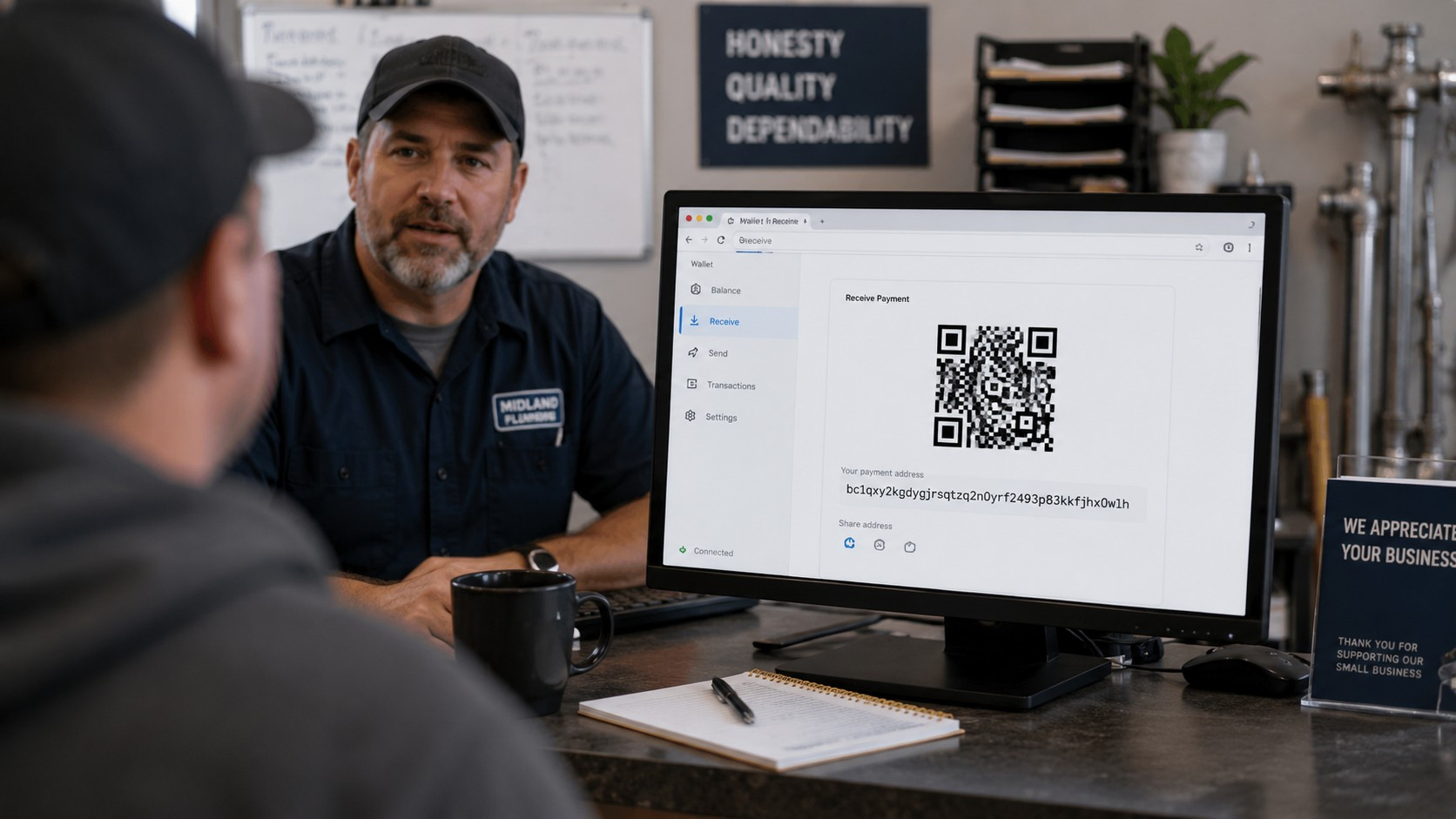
For service businesses, repair shops, consultants, and professional offices, a desktop or laptop is often the most natural place to handle payments. Desktop wallets like Electrum or Sparrow work well for Bitcoin. Browser extensions like MetaMask support Ethereum and stablecoins. Most are free.
The workflow is slightly different here. Rather than showing a QR code across a counter, you're often generating a payment request and sending it to the customer by email or text, or displaying it on a monitor they can see from their side of the desk.
For online sellers, a computer is usually the primary interface anyway. You add a wallet address or payment button to your checkout page, and customers pay directly. No additional hardware required.
Option 4: Printed QR codes
Startup cost: $0 to $20
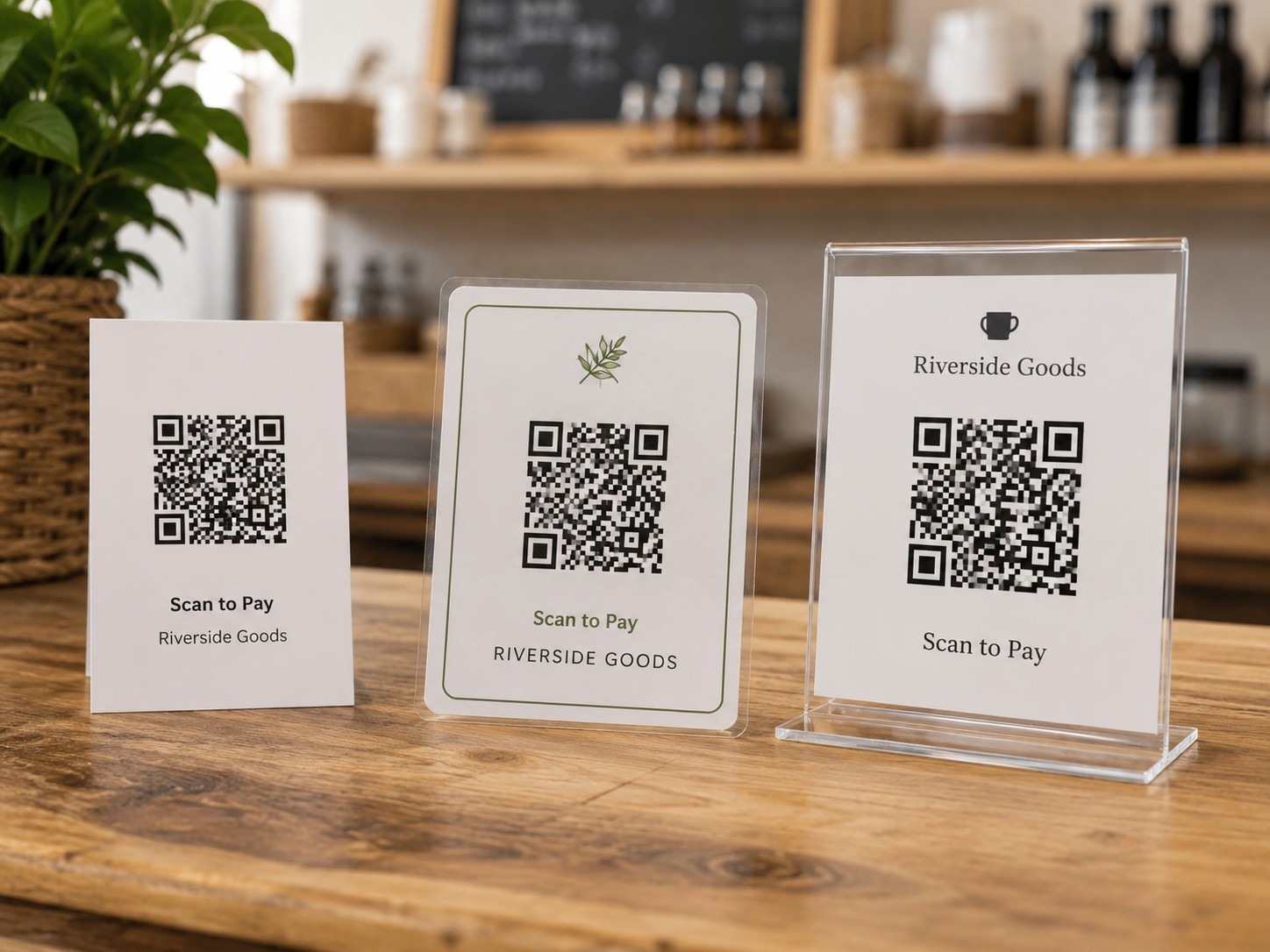
This option surprises a lot of merchants, and it shouldn't, because it works well.
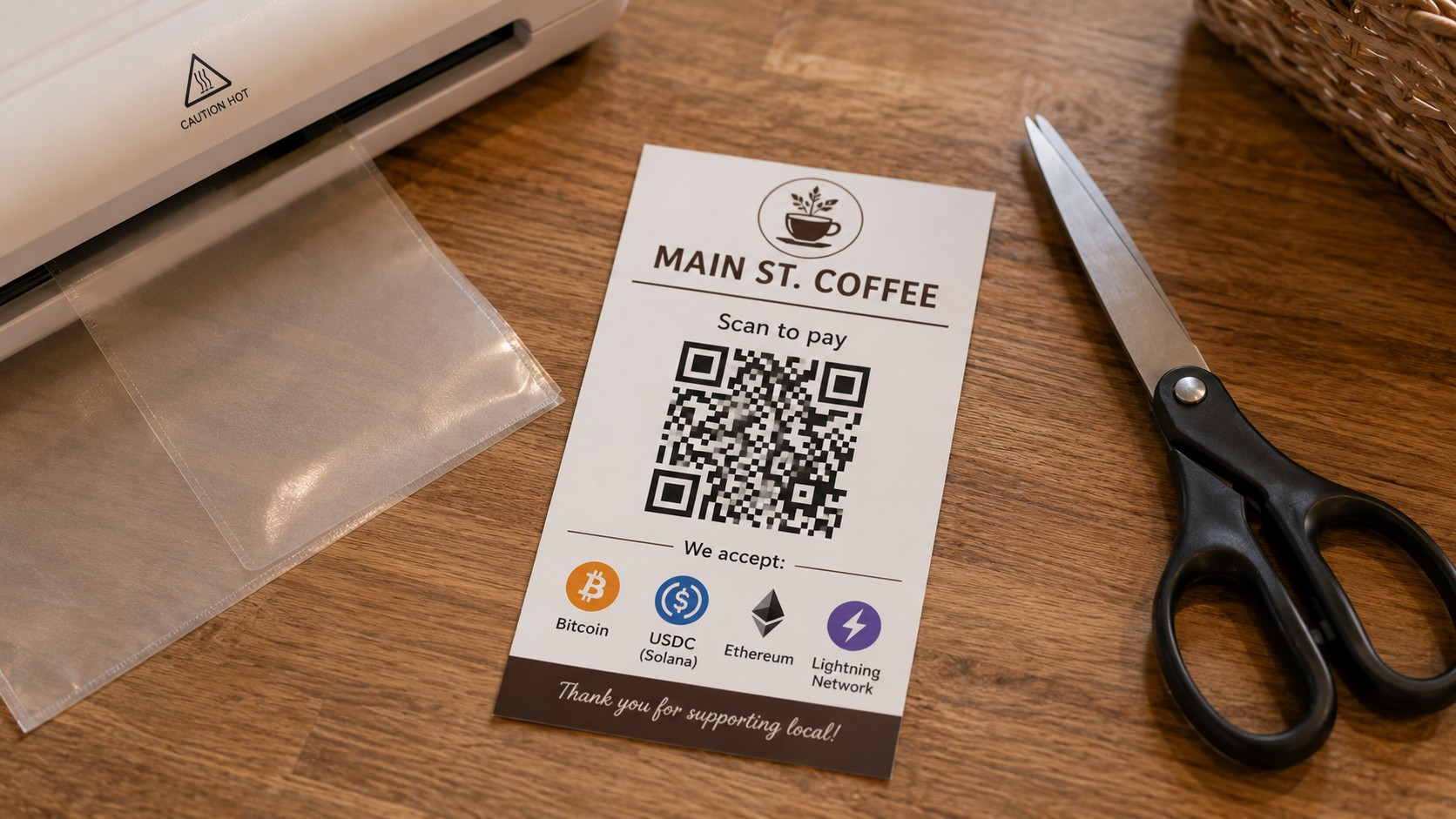
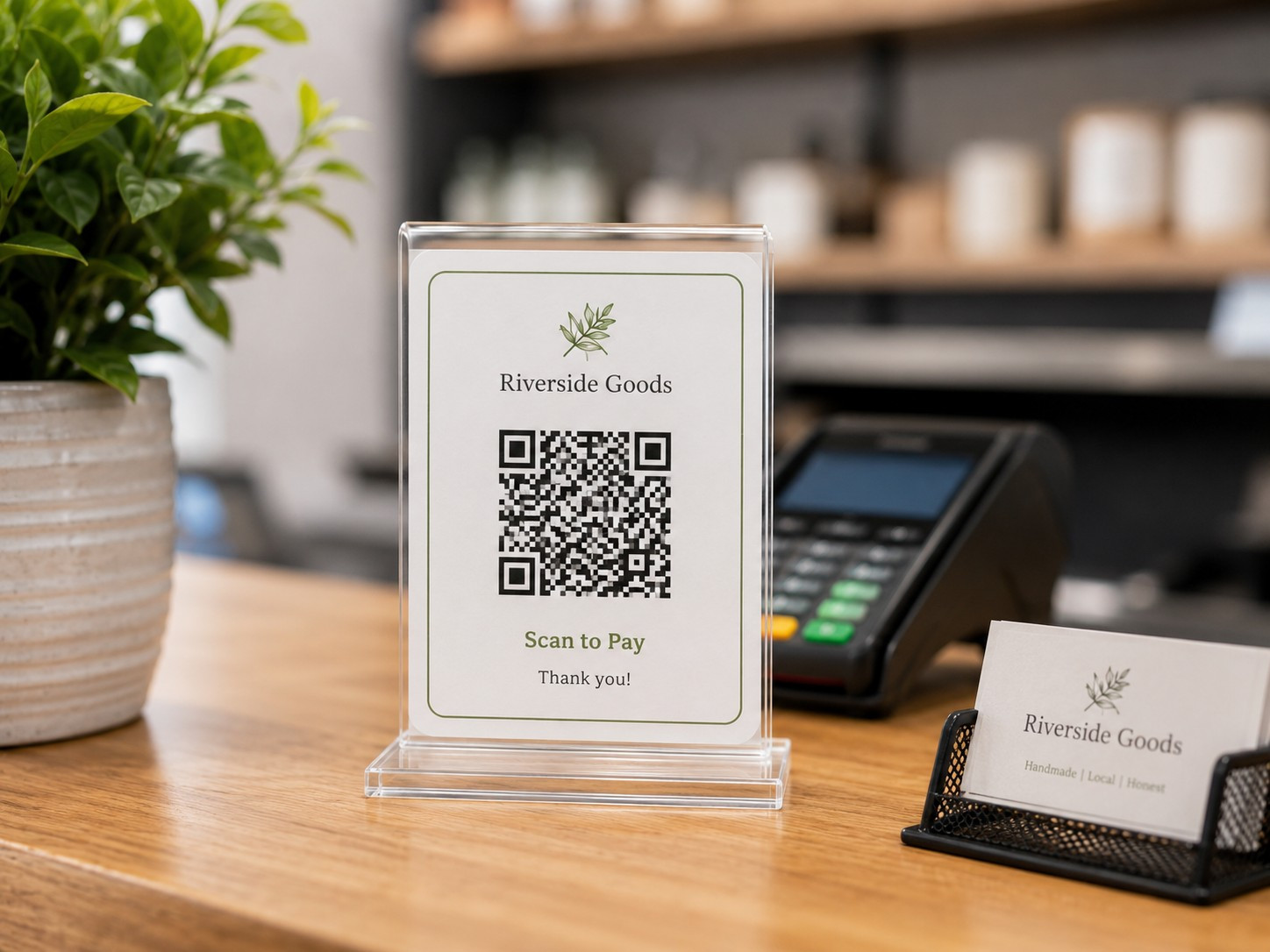
You can print your wallet's receiving address as a QR code, laminate it, and put it in a small frame or acrylic stand on your counter. Customers scan it, enter the amount they owe, and send payment. You confirm receipt on your phone or tablet.
The cost is almost nothing. A home printer, a sheet of cardstock, and a $5 laminating pouch gets you there. Acrylic QR code stands are available for $10 to $20 if you want something that looks polished at a counter.
One important caveat: Printed QR codes work best for stablecoins like USDC or USDT, where the price doesn't change while the customer is paying. For Bitcoin, the price fluctuates constantly, so you'll need to verify that the dollar amount received actually matches what was owed. A customer entering the amount manually introduces more room for error than a generated invoice, so build in a verification step.
Lightning addresses simplify printed displays nicely. They look like [email protected]: a human-readable address a customer can type or scan, similar to sending to an email address. They hold up well on printed cards and countertop signs.
The free Merchant Card Builder at CryptoLic lets you create a professional payment card with your QR code, wallet address, accepted currencies, and business name. It runs entirely in your browser, requires no account, and takes a few minutes. Print at home or send the file to a copy shop.
Option 5: Dedicated checkout equipment
Startup cost: $50 to $300
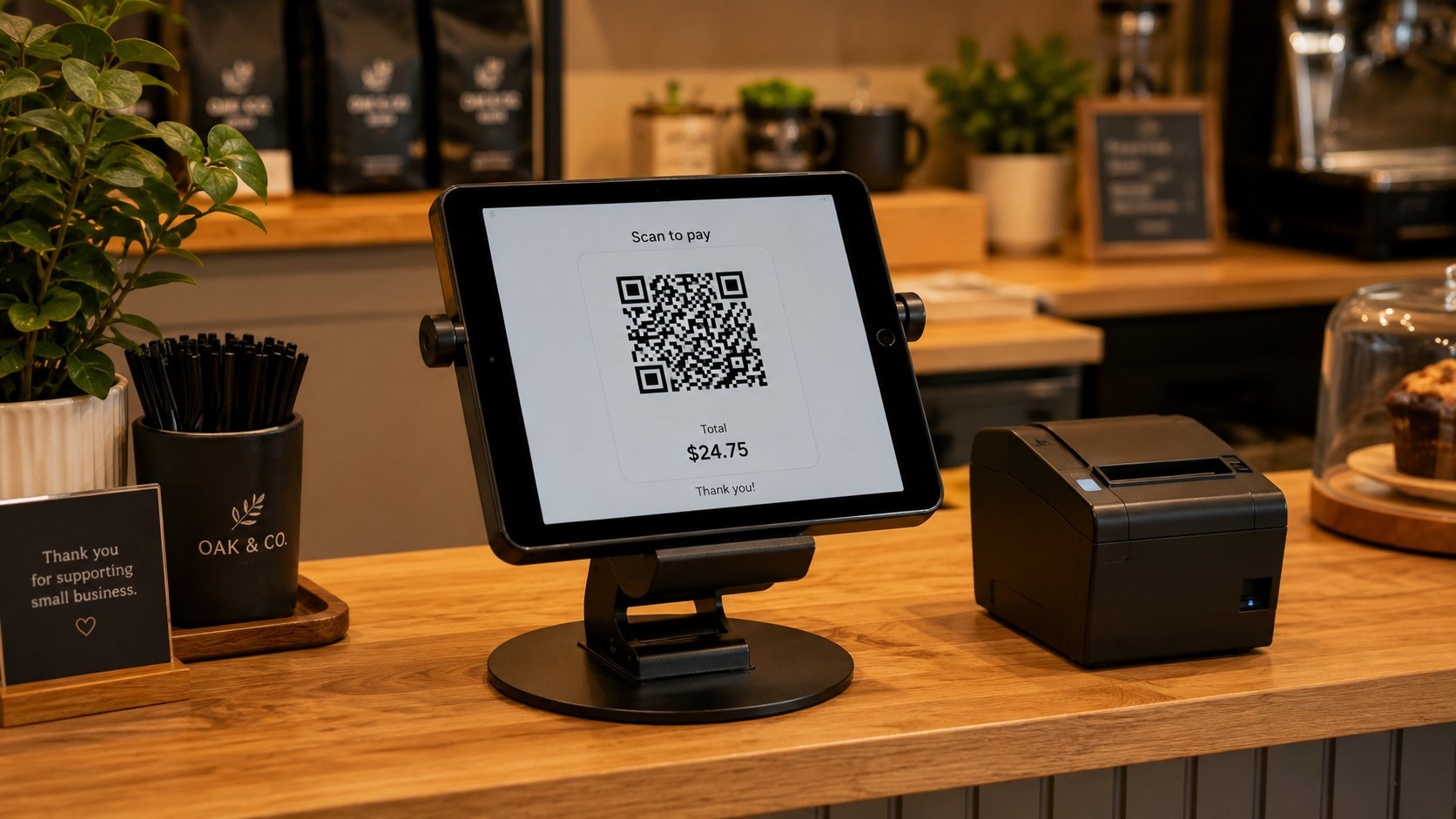
Once you're past the testing phase and crypto payments are a regular part of your business, a dedicated setup starts to make sense. Not because it's required (it isn't) but because mixing your payments device with other business operations adds friction over time.
A dedicated Android tablet for payments runs $80 to $200. A two-sided countertop stand (the kind that shows the customer their side while you see yours) runs $30 to $80. Together, you have a clean, professional crypto checkout that doesn't depend on your personal phone being available and doesn't interrupt other business functions.
Receipt printers are optional. Most crypto payments don't generate paper receipts automatically, though some payment processors do support this. If printed receipts matter to your customers, budget $100 to $200 for a basic thermal printer. It's rarely essential at the start.
Option 6: POS integration
Startup cost: Varies widely
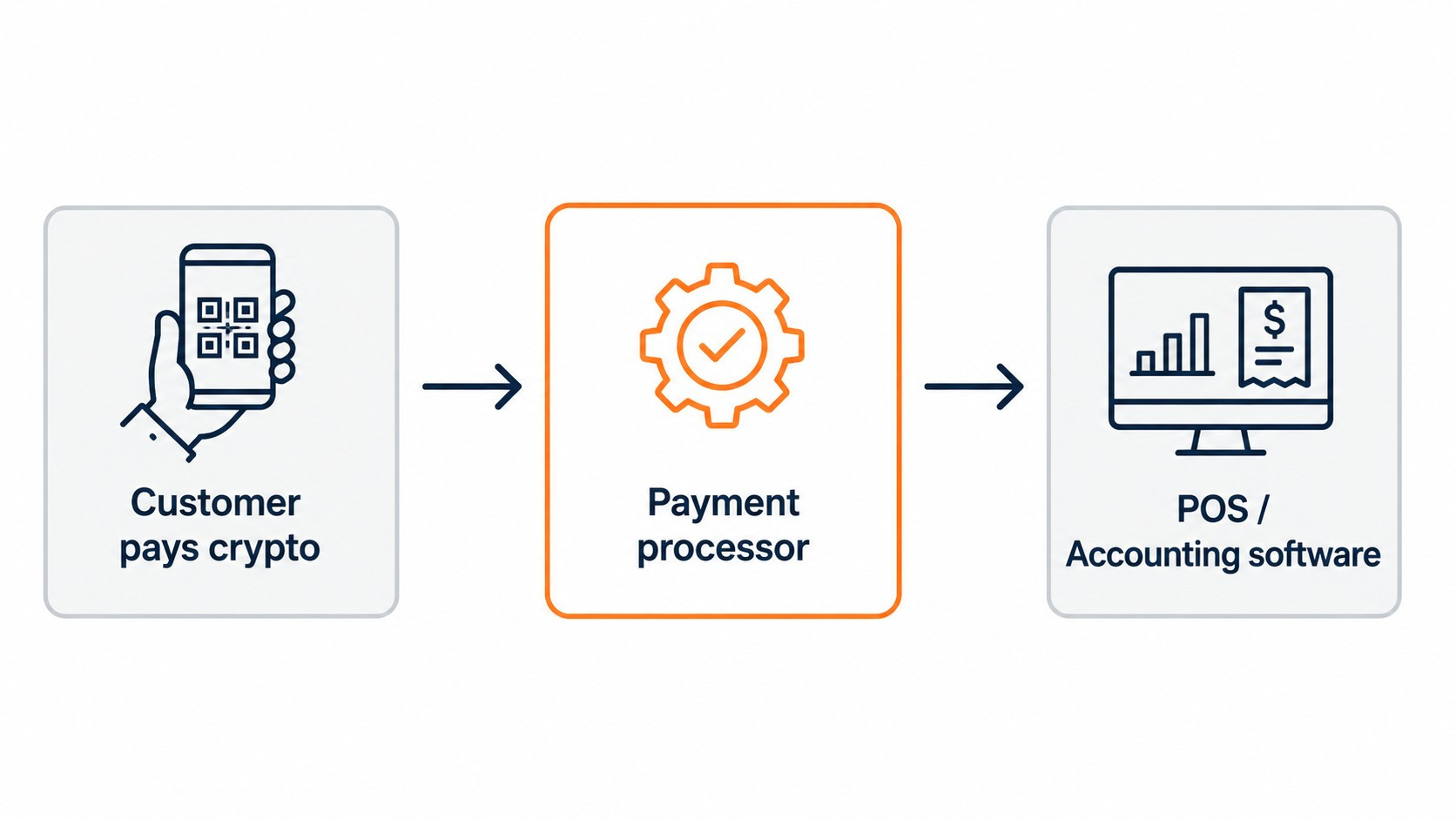
Some businesses eventually want crypto payments to feed directly into their POS system, inventory management, and accounting software. This is genuinely useful: it eliminates manual reconciliation and keeps everything in one place.
But it's not where most merchants should start.
POS integrations add complexity, often require a payment processor, and sometimes involve monthly fees or setup costs. The businesses that benefit most from this are ones already processing meaningful crypto volume who need the workflow improvements. For anyone starting out, a standalone wallet is more than adequate. You can always layer in integrations later, once you understand your actual payment patterns.
The Merchant's Guide to Cryptocurrency Payments covers the full setup decision, including when a payment processor makes sense, which options work with common POS systems, and how to evaluate what your business actually needs before committing to an integration.
Wallet costs
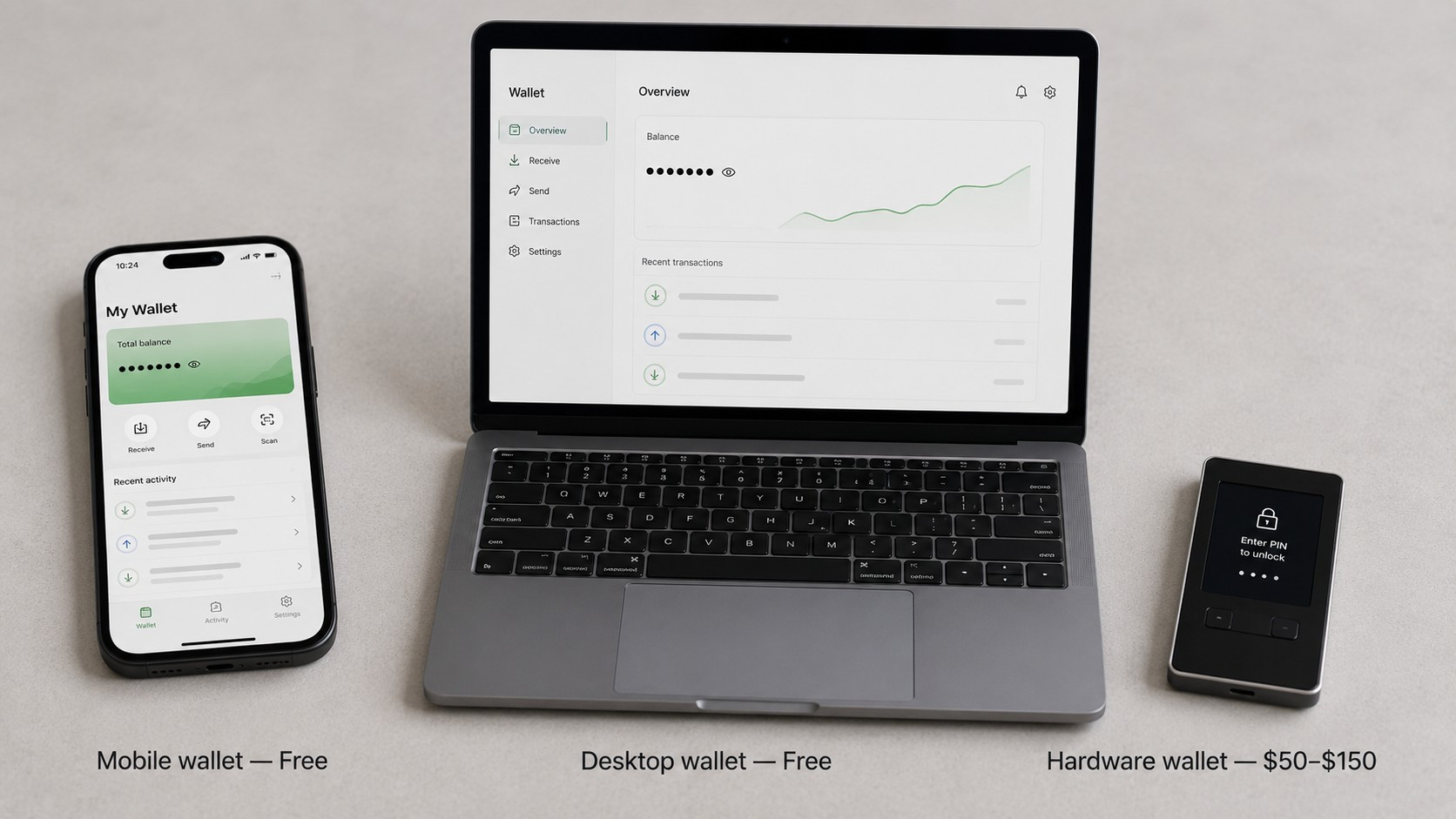
Mobile wallets: Free. BlueWallet, Muun, Trust Wallet, and others cost nothing to download and nothing to use for receiving payments. They earn revenue through optional premium features or built-in exchange services you're not required to use.
Desktop wallets: Free. Electrum, Sparrow, Exodus: all free for basic receive functionality. Some offer premium features; none require payment to get started.
Hardware wallets: $50 to $150. These are physical devices (Ledger, Trezor, Coldcard) that store your private keys offline, disconnected from the internet. They're not necessary when you're starting out and processing small amounts. They become worthwhile once you're accumulating any meaningful balance that you're not immediately converting to dollars.
The practical rule: if you're converting every payment to USD the same day through a processor or exchange, you probably don't need a hardware wallet yet. If you're holding funds in the wallet for days or weeks at a time, a hardware wallet is worth the investment.
Wallet backup, seed phrase security, and hardware wallet setup are covered in depth in the Merchant Security Playbook. If you're planning to hold any meaningful balance in a business wallet, that's the right next read before you get started.
Internet requirements
Additional cost: Usually $0
Any WiFi or cellular connection your business already has is sufficient. Crypto transactions don't require high bandwidth; a payment confirmation is a small piece of data, not a video stream.
For outdoor merchants with no guaranteed WiFi: a phone's cellular data connection is fine. A mobile hotspot works too. If you're at a venue with unreliable service, test connectivity before you open, not during your first payment attempt.
If connectivity goes down mid-sale: Most wallets can generate a payment address offline. The customer can scan the QR code and broadcast the transaction from their own connection. You verify confirmation once your signal comes back. For smaller transactions from regulars, many merchants proceed on trust and confirm later. For larger amounts, wait for confirmation.
Full equipment cost comparison
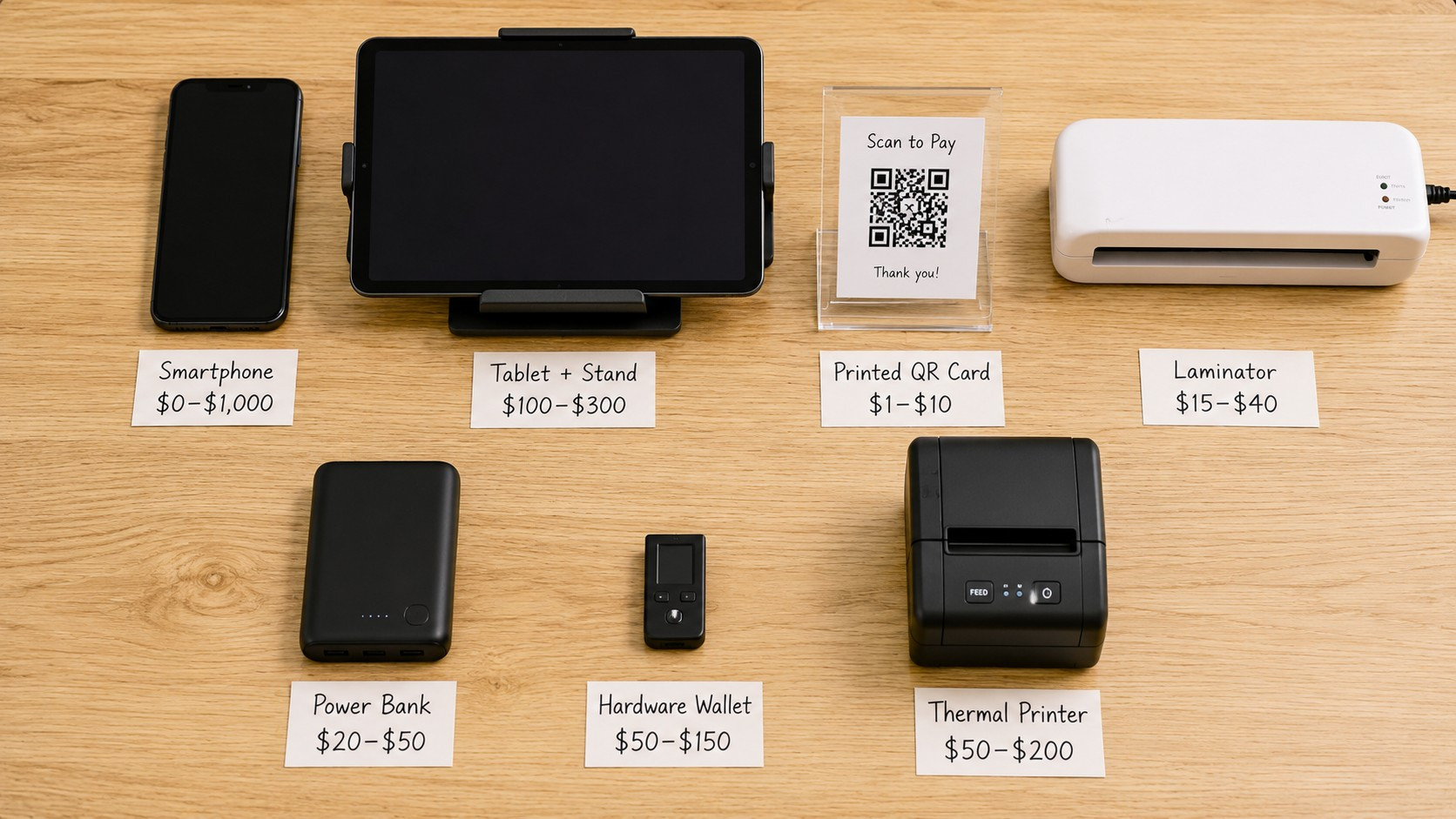
| Equipment | Required? | Typical cost | Notes |
|---|---|---|---|
| Smartphone | One device needed | $0 (existing) | Most merchants already have one |
| Tablet | No, optional upgrade | $0–$200 | Better customer experience than phone |
| Computer | No, optional | $0 (existing) | Good for offices and online sellers |
| Printer | No | $0–$80 | For QR cards and countertop signage |
| Laminator | No | $20–$40 | Extends life of printed materials |
| QR code stand | No | $10–$40 | Improves counter presentation |
| Tablet stand | No | $15–$80 | Recommended if using tablet at counter |
| Internet (WiFi/cellular) | Yes | $0 (existing) | Any connection you already have |
| Mobile wallet app | Yes | Free | Required for receiving payments |
| Desktop wallet | No, optional | Free | For computer-based setups |
| Hardware wallet | No, later | $50–$150 | Worthwhile once holding meaningful funds |
| Receipt printer | No | $100–$200 | Rarely needed at the start |
| Power bank | No | $20–$50 | Worth having for outdoor merchants |
| Backup phone | No | $0–$100 | Useful for high-volume operations |
Hidden costs worth knowing
Most merchants don't spend extra money getting started. But there are a few costs that don't show up on an equipment list and are worth accounting for before you begin.
Employee training. If staff will handle crypto payments, they need a clear procedure. What counts as a confirmed payment? What do they do if the amount is wrong? What if the customer's wallet shows an error? These questions need written answers before the first shift, not during a busy Saturday afternoon. Training time has a real cost even when the materials don't.
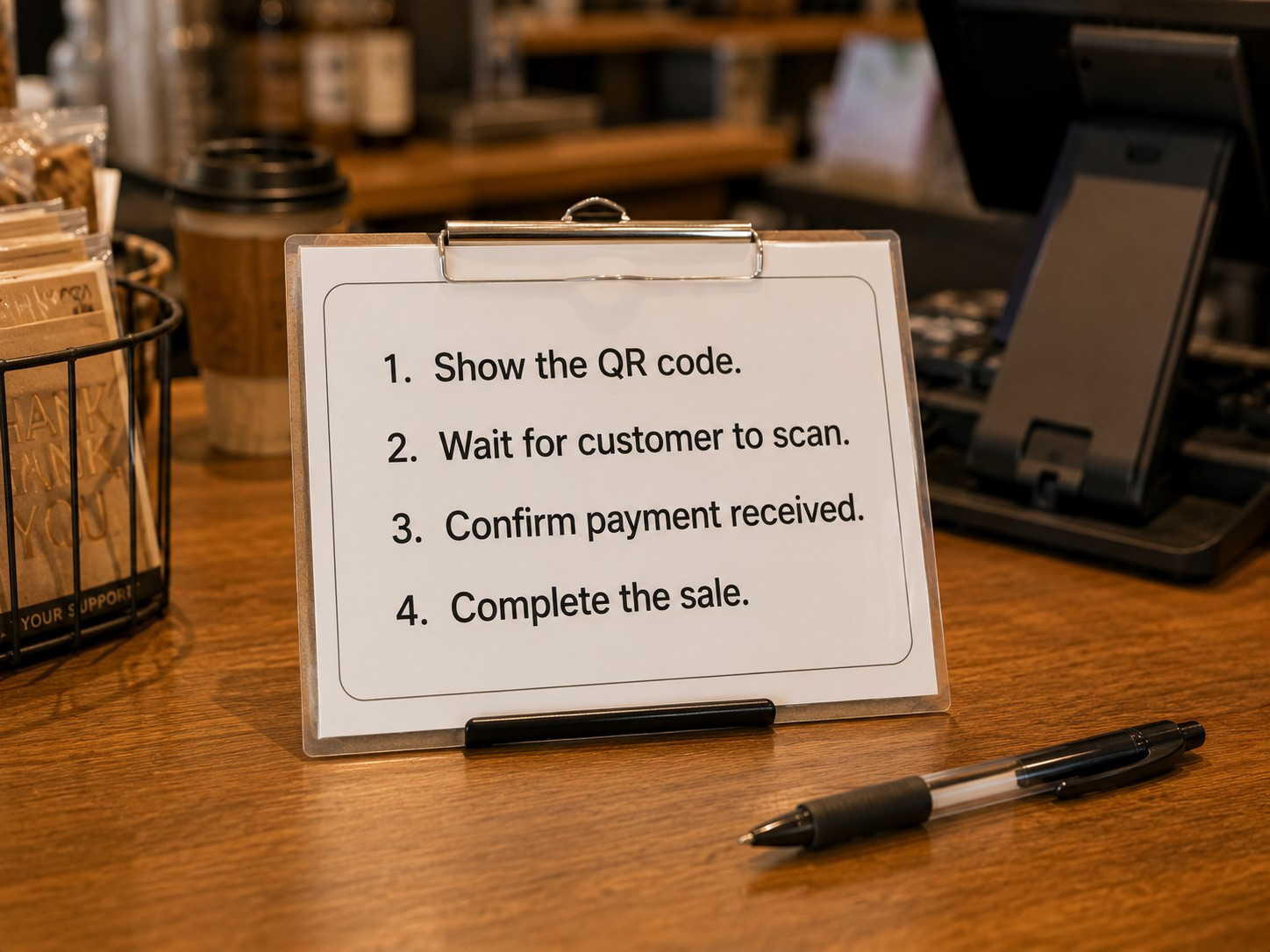
The Counter Crew Playbook was written specifically for this problem. It covers the customer interaction from greeting to confirmation, common mistakes and how to handle them, and how to train staff quickly without anyone needing to become a crypto expert.
Accounting and taxes. Accepting crypto creates a reporting obligation in the US. Each payment you receive is potentially a taxable event, and if you hold the cryptocurrency before converting it, price changes create additional tracking requirements. This isn't complicated to manage, but it does require that you track amounts received and the exchange rate at the time of each payment. Most accounting software can handle this, but it's worth discussing with your accountant before you start, not after your first busy month.
Signage and printed materials. A printed QR card costs almost nothing. A professional countertop sign with your branding might run $20 to $40 at a local print shop. This is optional, but good signage at the point of sale answers customer questions before they ask them and adds credibility to the payment option.
The hardware wallet decision. As covered above: if you're converting payments to dollars immediately, you may never need one. If you're holding crypto in a business wallet, budget $50 to $150 and treat it as a business expense.
What you don't need
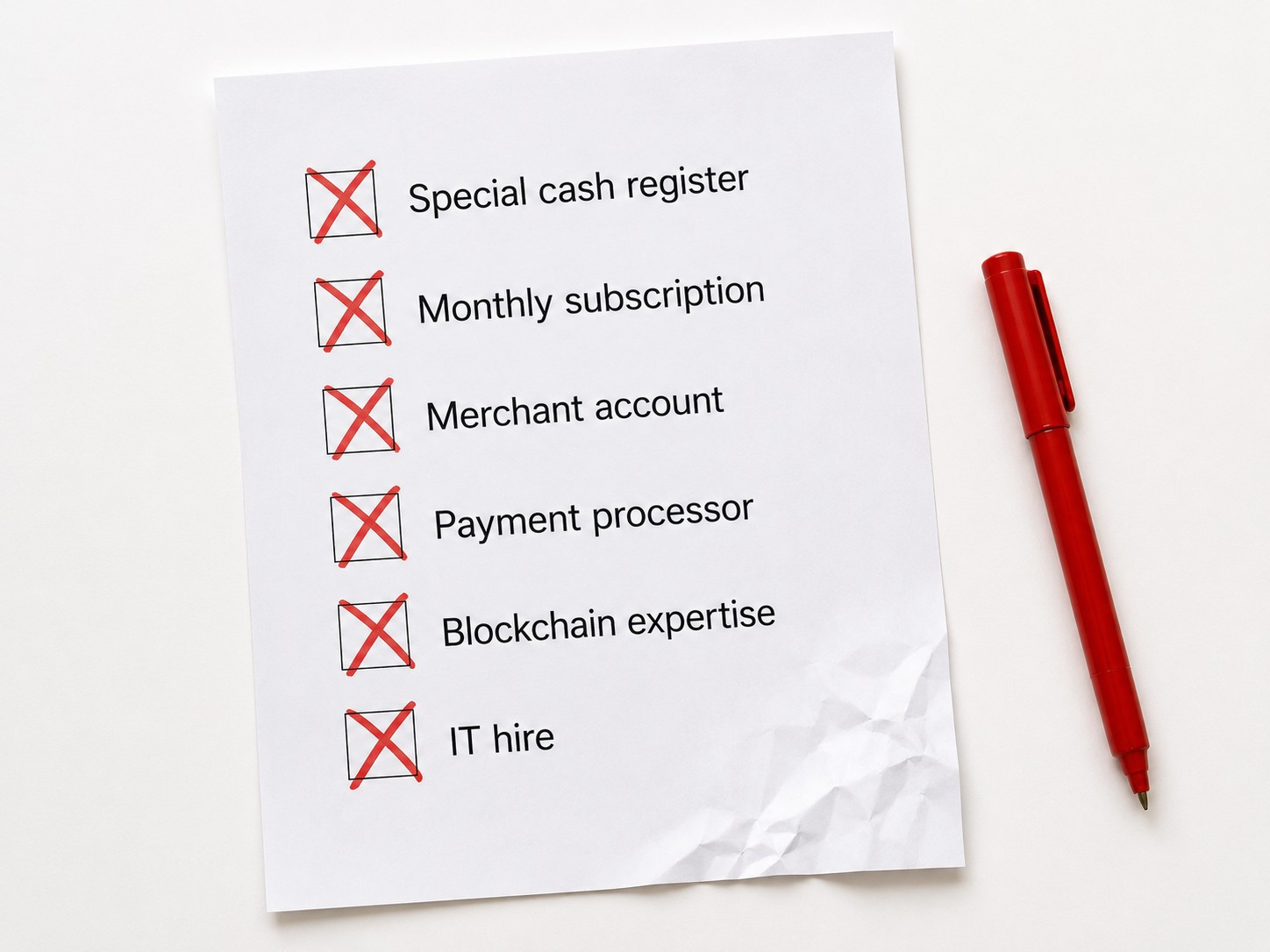
Let's address the common assumptions directly.
A special cash register. Crypto payments don't require any modification to your existing register or POS. They run in parallel, on a separate device, until you decide you want them integrated, and even then, integration is optional.
Expensive software. Wallet apps are free. The tools that matter (address generation, QR codes, transaction verification) are included at no cost in standard wallet software.
A merchant account. Traditional merchant accounts exist to process card payments through a banking intermediary. Crypto moves directly between wallets. There's no intermediary account required.
A payment processor. A processor is optional and useful for auto-converting crypto to USD, managing accounting integration, and handling volume. It is not required to receive a payment.
A POS replacement. Your existing POS keeps doing what it does. Crypto runs alongside it, on your phone or tablet.
Blockchain expertise. Receiving a payment requires understanding roughly as much about the blockchain as swiping a card requires understanding card networks. Which is to say: almost nothing.
A monthly subscription. Standard wallet software has no subscription. If you choose a payment processor, some charge transaction percentages, but even then you're not typically looking at flat monthly fees to get started.
An IT hire. Setup takes less than an hour for most merchants and requires no technical background.
Real business scenarios
Farmers market vendor

Sarah sells handmade candles at weekend markets. She downloaded BlueWallet, printed her receiving QR code on cardstock, and laminated it at home. Customers scan, enter the amount, and pay. She checks her wallet to confirm before they walk away.
Total startup cost: $0.
Mobile merchants and festival vendors will find the Pop-Up and Mobile Merchant's Guide to Crypto directly applicable. It covers the specific workflows, confirmation procedures, and equipment recommendations for businesses that operate without a fixed counter.
Coffee shop
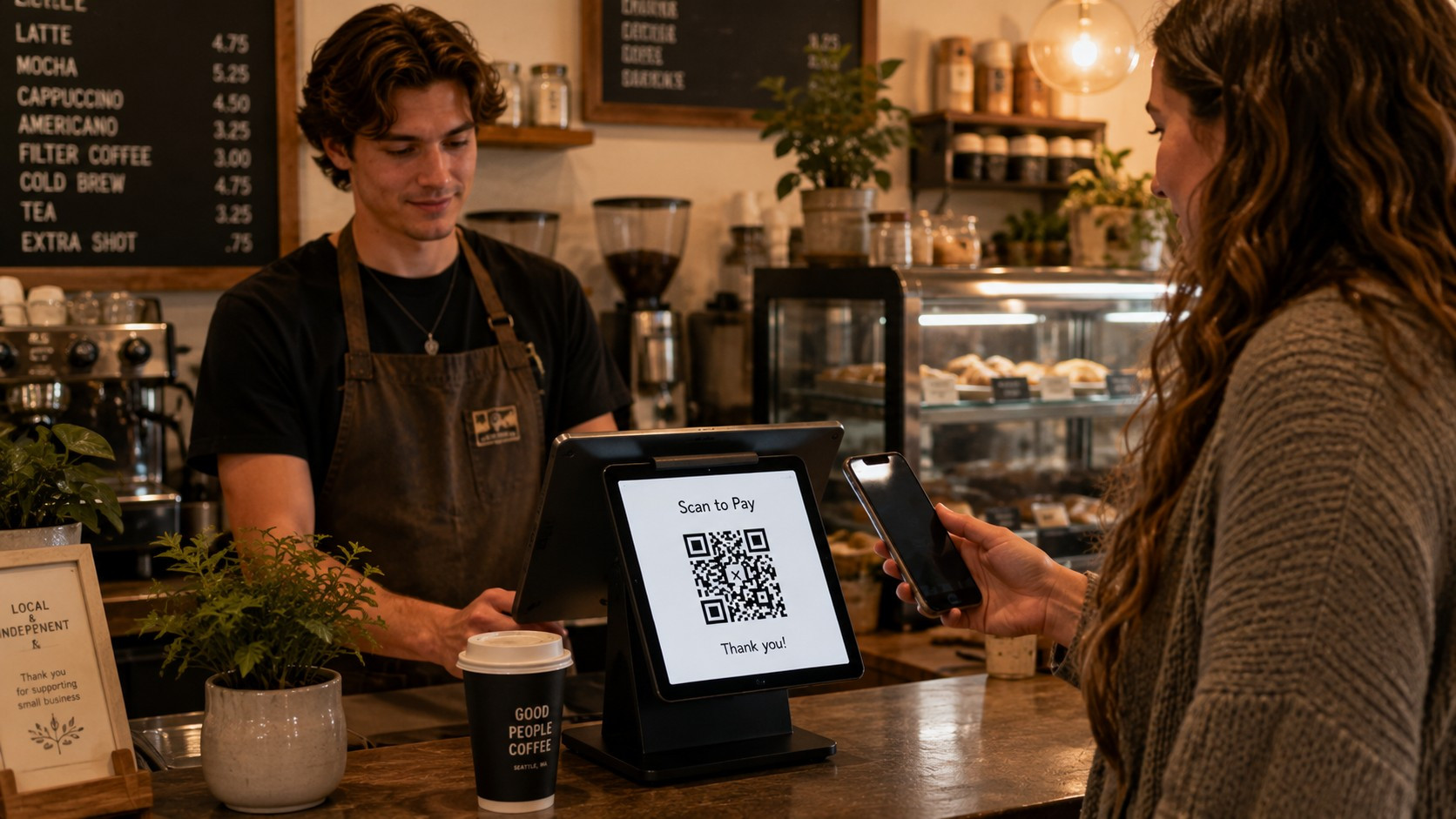
A neighborhood coffee shop put an existing tablet in a $35 two-sided countertop stand and configured a wallet app to display the payment QR code. Baristas learned the confirmation procedure in about twenty minutes. For larger orders, they verify before the customer steps away. For $4 coffees from regulars, they use a trust-based approach and reconcile at end of day.
Startup cost: approximately $35 (stand only; tablet was already in the shop).
Contractor
Mike is a residential painter. When a client asks to pay in Bitcoin, he generates a payment request from his phone wallet, texts the QR code to the client, and receives payment before he leaves the job site. No hardware, no subscription, no processor.
Total startup cost: $0.
Boutique retail store
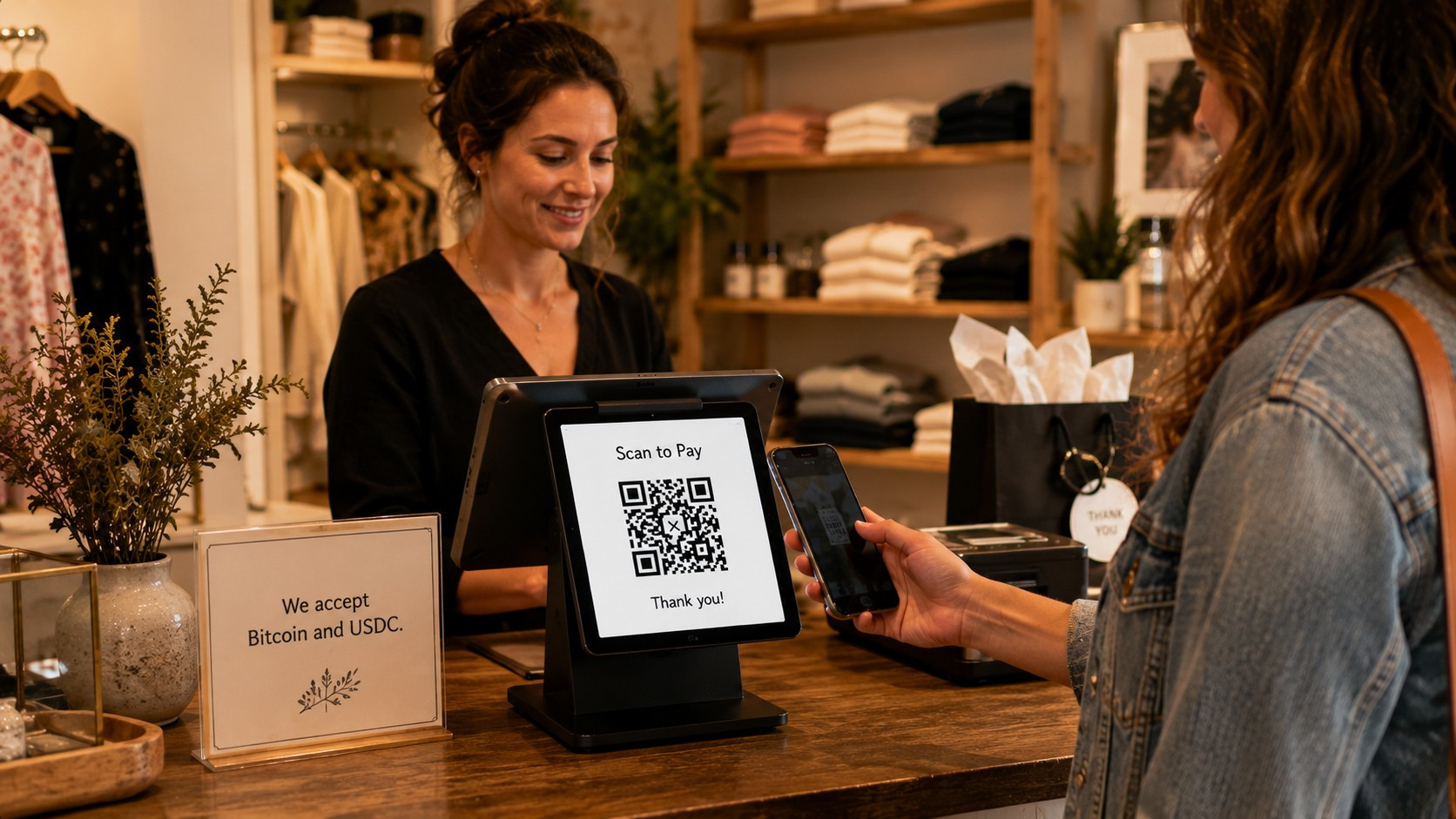
A clothing boutique uses a dedicated tablet on the counter, a printed sign listing accepted coins, and a one-page employee procedure. Payments over $100 require waiting for one on-chain confirmation. Smaller purchases don't. They keep a hardware wallet in the safe for end-of-week fund transfers.
Startup cost: approximately $250 (tablet $180, stand $40, hardware wallet $79, printed materials under $10).
Online seller
An independent online seller added a wallet address to their website's checkout page with plain-English payment instructions. Customers who want to pay in USDC send the exact amount to the listed address. The seller verifies receipt before shipping. No processor, no integration, no fees beyond what the network charges.
Total startup cost: $0.
Security: what you actually need to know
Keep this part simple at the start.
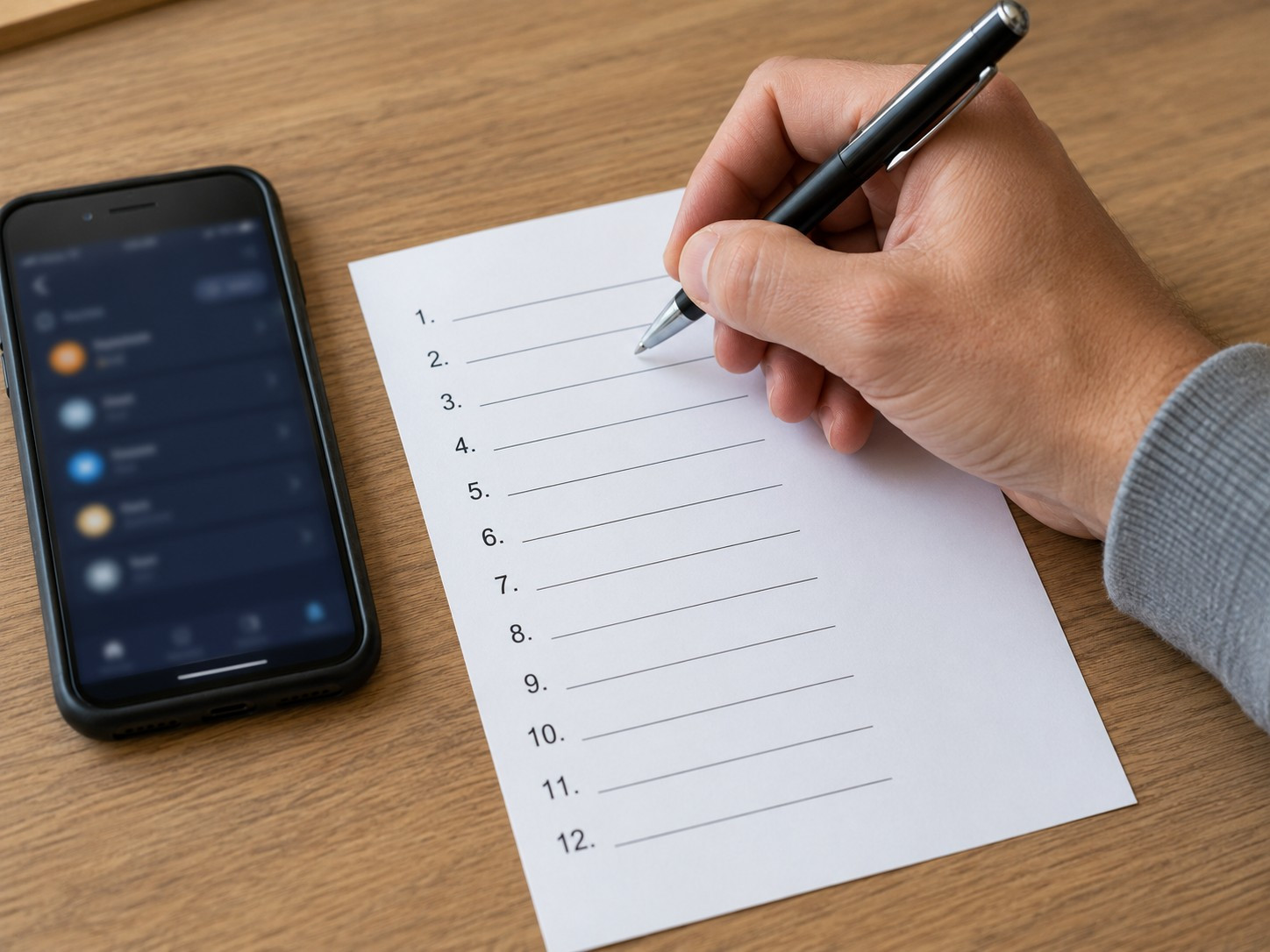
Your wallet generates a seed phrase: a sequence of 12 or 24 words that is the master key to your funds. Write it down on paper. Store it somewhere offline and physically secure. Do not take a screenshot of it. Do not email it to yourself. If someone gets your seed phrase, they have your money and there is no recovery path.
Back up your wallet before you put any meaningful funds into it. Verify the backup works. This takes ten minutes and is the single most important security step a new merchant takes.
Lock your device with a PIN or biometric. Keep your wallet app updated. If employees need to accept payments, consider a watch-only wallet on their device, one that can display addresses and verify incoming payments but cannot send funds. This limits exposure significantly if a device is ever lost or misused.
The Merchant Security Playbook goes considerably deeper on all of this: hardware wallet setup, seed phrase storage, employee access controls, what to do if a device is lost or stolen, and how to build security procedures that protect your business without creating operational friction.
Frequently asked questions
- Can I start accepting crypto for free?
- Yes. A smartphone, a free wallet app, and a printed QR code is a complete setup that costs nothing.
- Do I need a payment processor?
- No. A processor adds useful features (auto-conversion to USD, invoicing, accounting integration) but is not required to receive payments.
- Can I use my existing phone?
- Yes. Any modern smartphone running iOS or Android can run a wallet app and display QR codes for in-person payments.
- Can I use my existing tablet?
- Yes. Tablets work well for counter-based payments and typically provide a better customer experience than a phone due to the larger screen.
- Can customers pay with Bitcoin?
- Yes. Bitcoin is the most widely used cryptocurrency for merchant payments. Confirm which coins your wallet supports before telling customers you accept it.
- Can customers pay with stablecoins?
- Yes. USDC and USDT are pegged to the US dollar, which simplifies bookkeeping and removes price-volatility concerns at the point of sale. Many merchants prefer stablecoins for exactly this reason.
- What if my WiFi goes down?
- Your wallet can generate a payment address offline. The customer broadcasts the transaction from their own connection. You verify confirmation when your connection is restored.
- Do I need new hardware?
- Probably not. Most merchants start with devices they already own. Dedicated equipment is an optional upgrade, not a requirement.
- Should I buy a hardware wallet right away?
- Not necessarily. If you're converting payments to USD promptly, a software wallet on your phone or tablet is sufficient. A hardware wallet becomes worthwhile once you're holding meaningful balances for extended periods.
- Can my employees accept crypto payments?
- Yes, with clear procedures in place. A watch-only wallet lets staff receive payments and verify confirmations without being able to send funds, which reduces exposure if a device is ever lost or misused.
- Can I print QR codes for my counter?
- Yes. Static QR codes work well for counter display. Pair them with a manual verification step. Consider a Lightning address for a cleaner experience on printed materials; they're human-readable and work like an email address for payments.
- What coins should I accept?
- Bitcoin and at least one stablecoin (USDC or USDT) covers the majority of customer demand and keeps your setup simple. You can add more later once you understand your actual payment patterns.
- Will I need a new POS system?
- No. Crypto payments run independently of your existing POS. Integration is possible later if you want it, but it's never a requirement.
- Are there transaction fees for receiving crypto?
- Network fees are typically paid by the sender. As the merchant receiving payment, you generally pay nothing on incoming transactions, though this varies by coin and network.
Where to go from here
The picture is simpler than most merchants expect. The equipment you already own is likely sufficient to begin today, and the things you might spend money on are optional improvements, not prerequisites.
If you want to work through the full decision (which coins to accept, which wallet to use, how to handle conversion, and what a complete merchant setup looks like from start to finish), The Merchant's Guide to Cryptocurrency Payments covers every topic in this article in greater depth, plus the questions you haven't thought to ask yet.
If you're ready to create your counter display now, the free Merchant Card Builder generates a professional payment card with your QR code and accepted currencies. No account required. Print it at home or take the file to a copy shop.