Merchant type · Food Trucks
Crypto payments for food truck operators
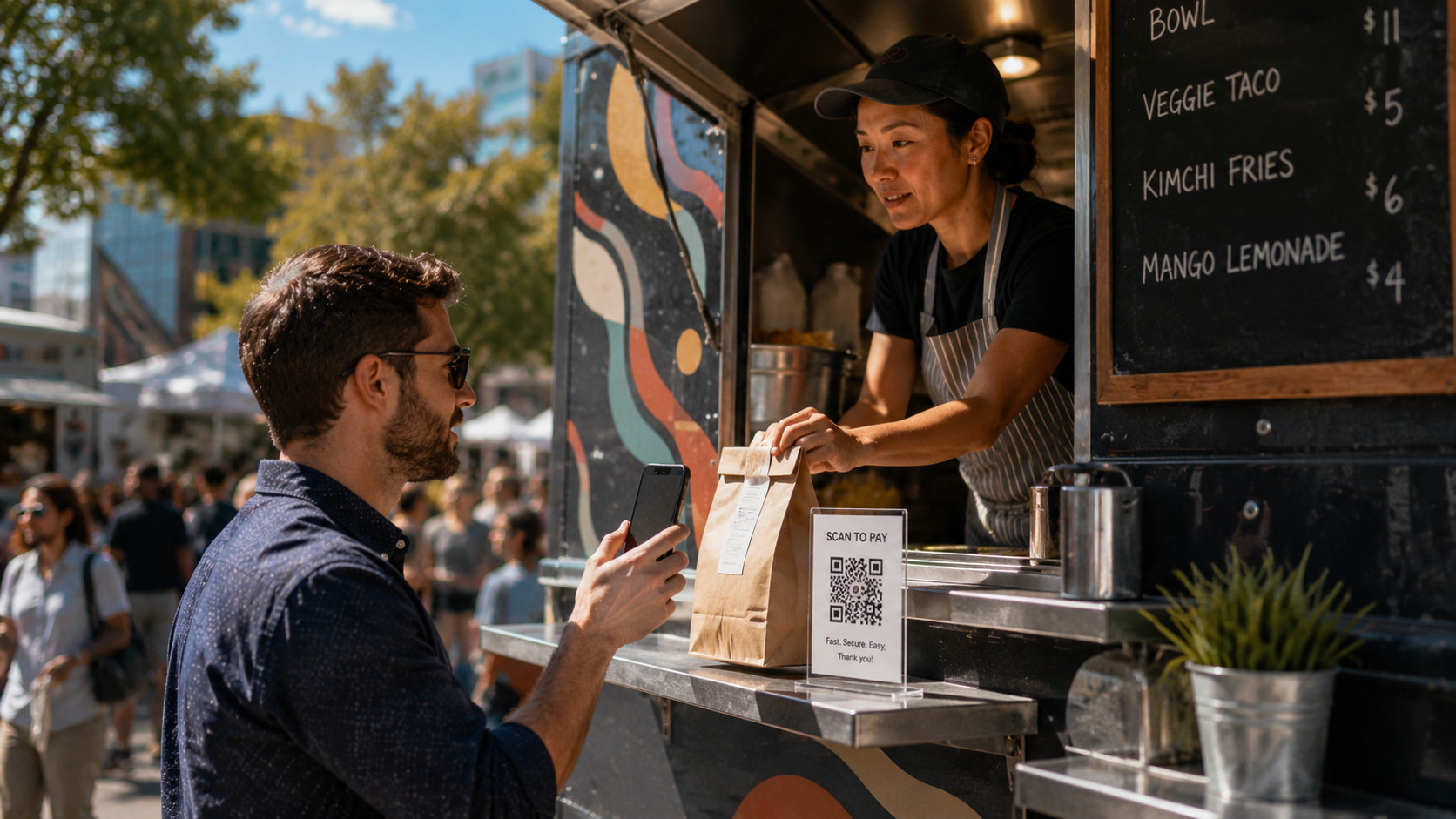
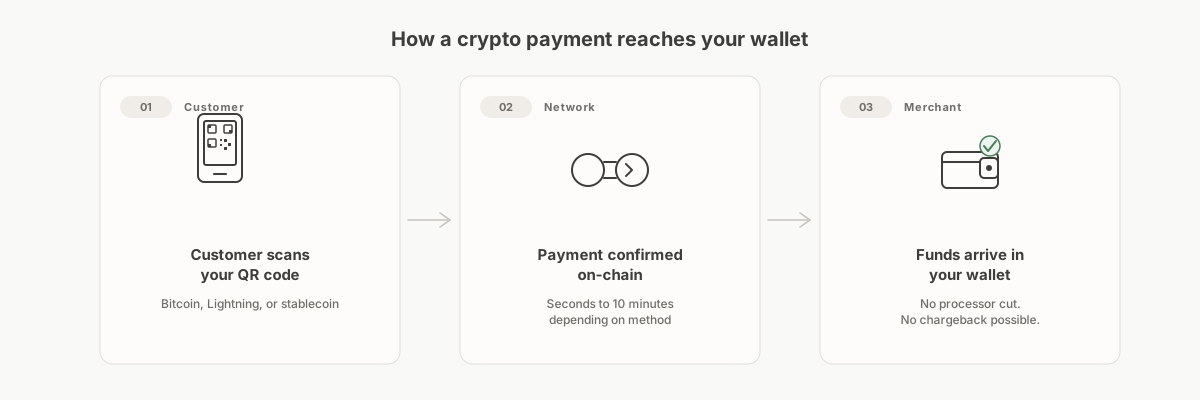
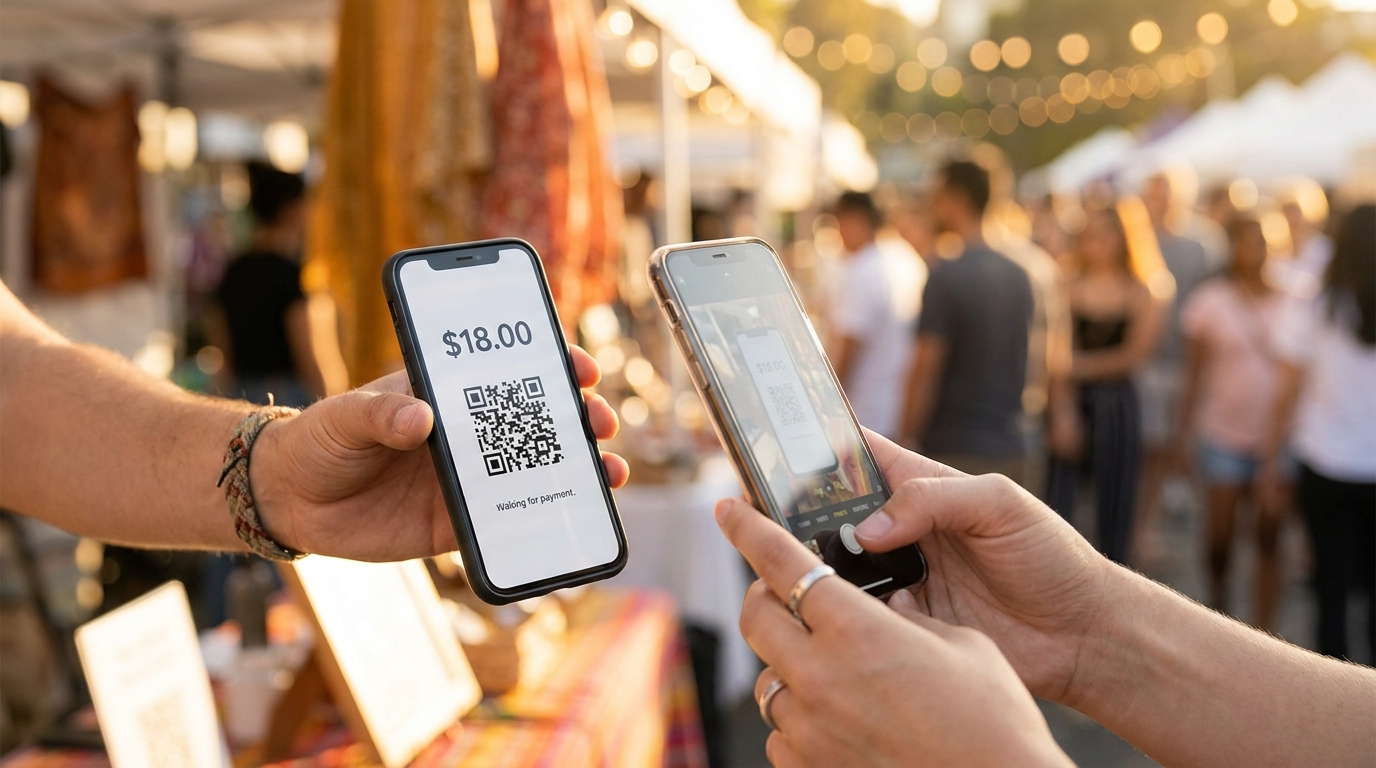
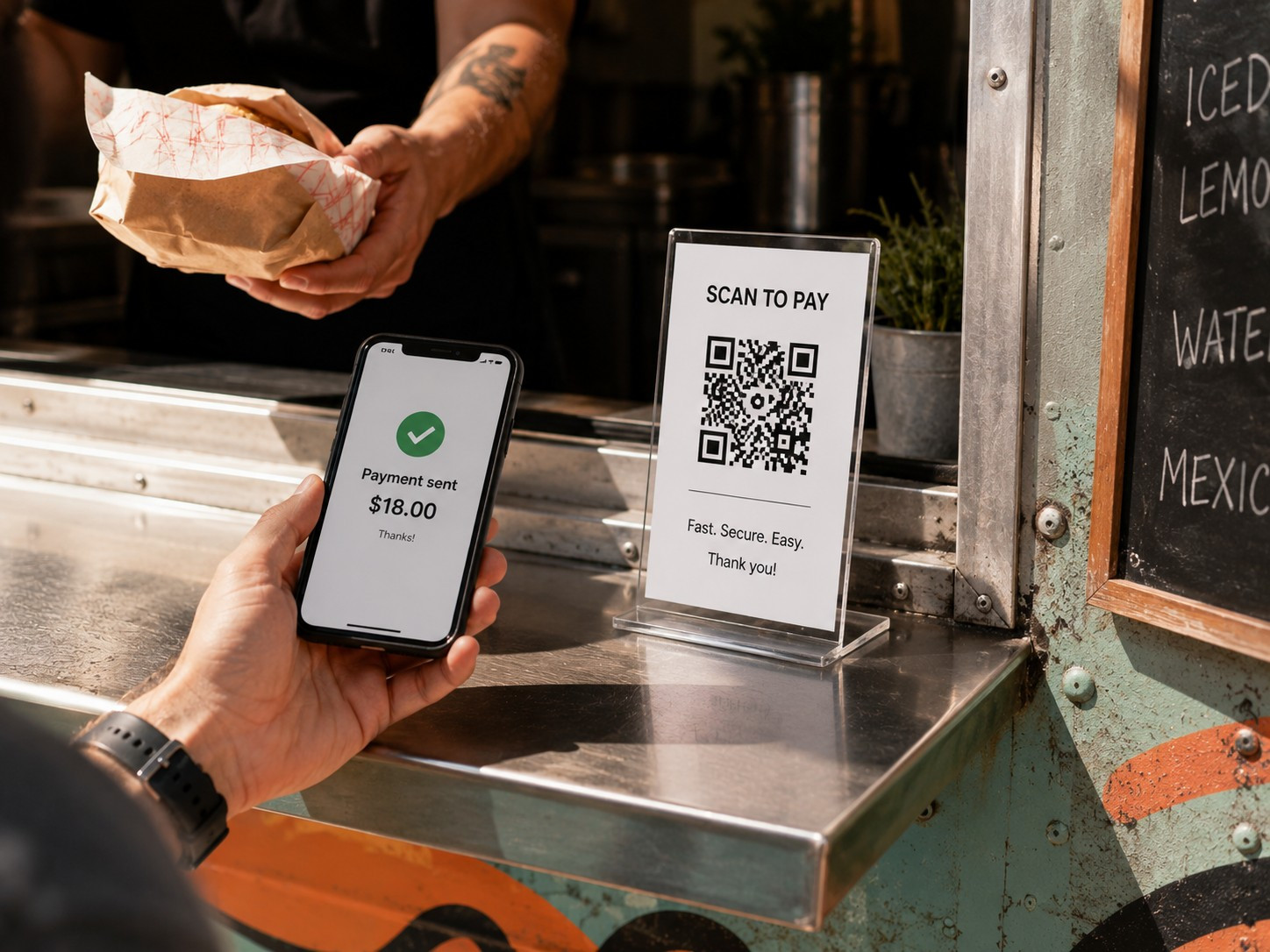
A food truck has one hard constraint: every second at the window is revenue. You don't have a card terminal bolted to a counter, cell signal at a festival is never guaranteed, and customers pay fast or they walk. A QR code laminated to the side of your truck, a Lightning wallet on your phone, and you're taking payments that settle in seconds with no processing fee taken from each sale. No merchant account, no terminal rental, no monthly fee. These guides are built for that setup.
Recommended guides
Recommended for food trucks.
Each is a standalone purchase. Start with whichever matches where you are now.
The Pop-Up & Mobile Merchant's Guide to Crypto
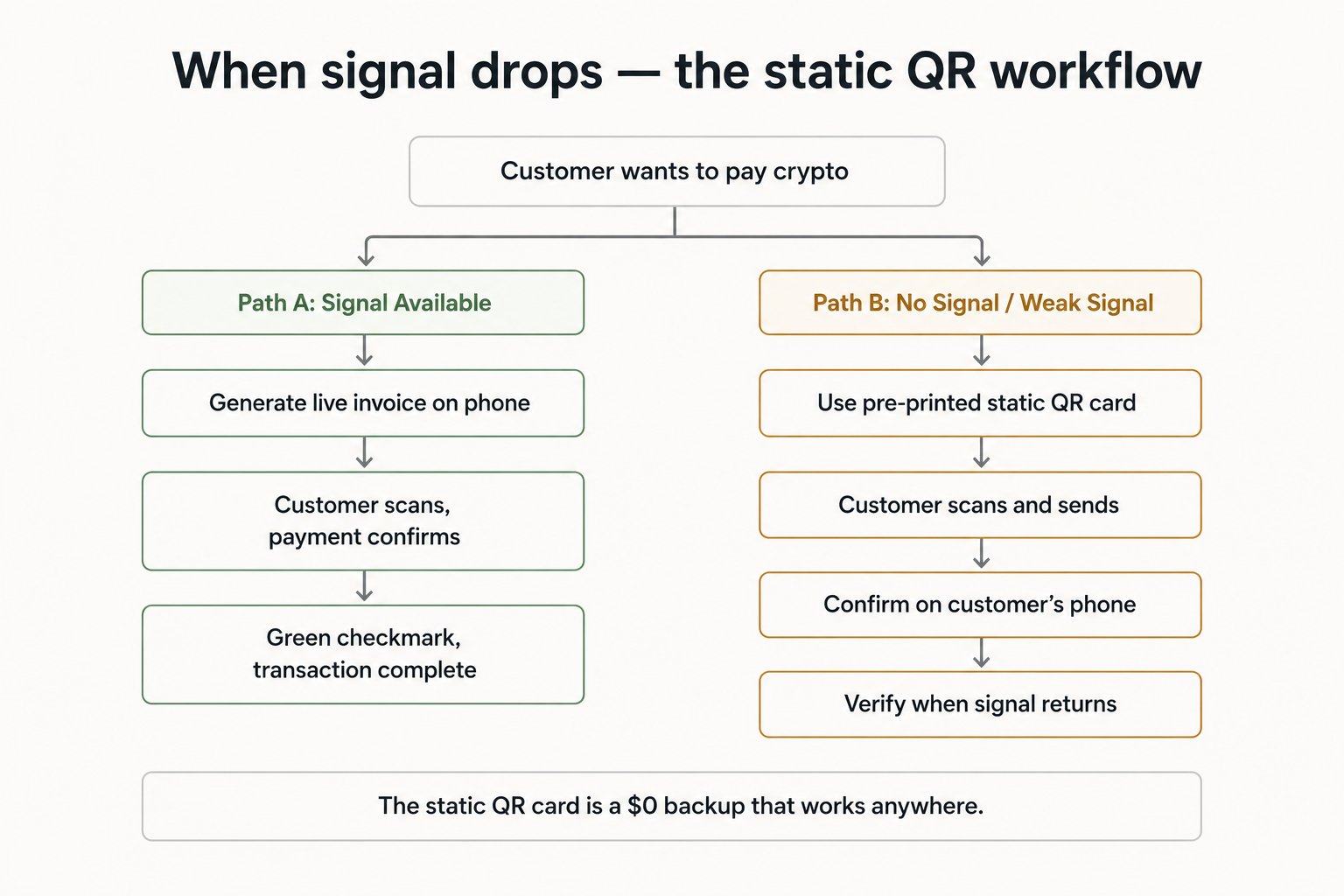
A hands-on companion for taking crypto payments at markets, festivals, and food trucks. Covers offline setups, QR workflows, and what to do without a signal.
For: Craft market vendors, food truck operators, farmers market sellers, and anyone taking payments at temporary or outdoor events.
The 0-to-Live Launch Toolkit
A step-by-step go-live checklist for both the payment-processor path and the self-hosted path. Print it, check it off, go live.
For: Business owners who have decided to accept crypto and want a structured, nothing-missed process for going live.
The Merchant Security Playbook
Wallet choices, key backups, scam-spotting, and a printable security routine. Covers the practical steps for keeping your crypto holdings safe after you go live.
For: Any merchant who has decided to accept crypto and wants to hold funds without relying on a third party to keep them safe.
Free articles
More reading on this topic.
Self-Custody vs. a Payment Processor: Which Is Right for Your Business?
Two different approaches to accepting crypto payments. Neither is universally better. Here's what actually separates them.
Read the article →How to Refund a Crypto Payment
Crypto has no charge-back button. That's actually fine, as long as you have a clear process before you need it.
Read the article →Want to see how the pieces fit before you buy anything? Our free, illustrative walk-through How a food truck could offer crypto payments on the go shows the whole decision end to end, from first question to a working setup. It is an educational example, not a sales pitch.
Looking for the full series, or want to compare everything in one place?
Browse the full catalog → or See bundle options →