Merchant type · Craft Shows
Crypto payments for craft show vendors
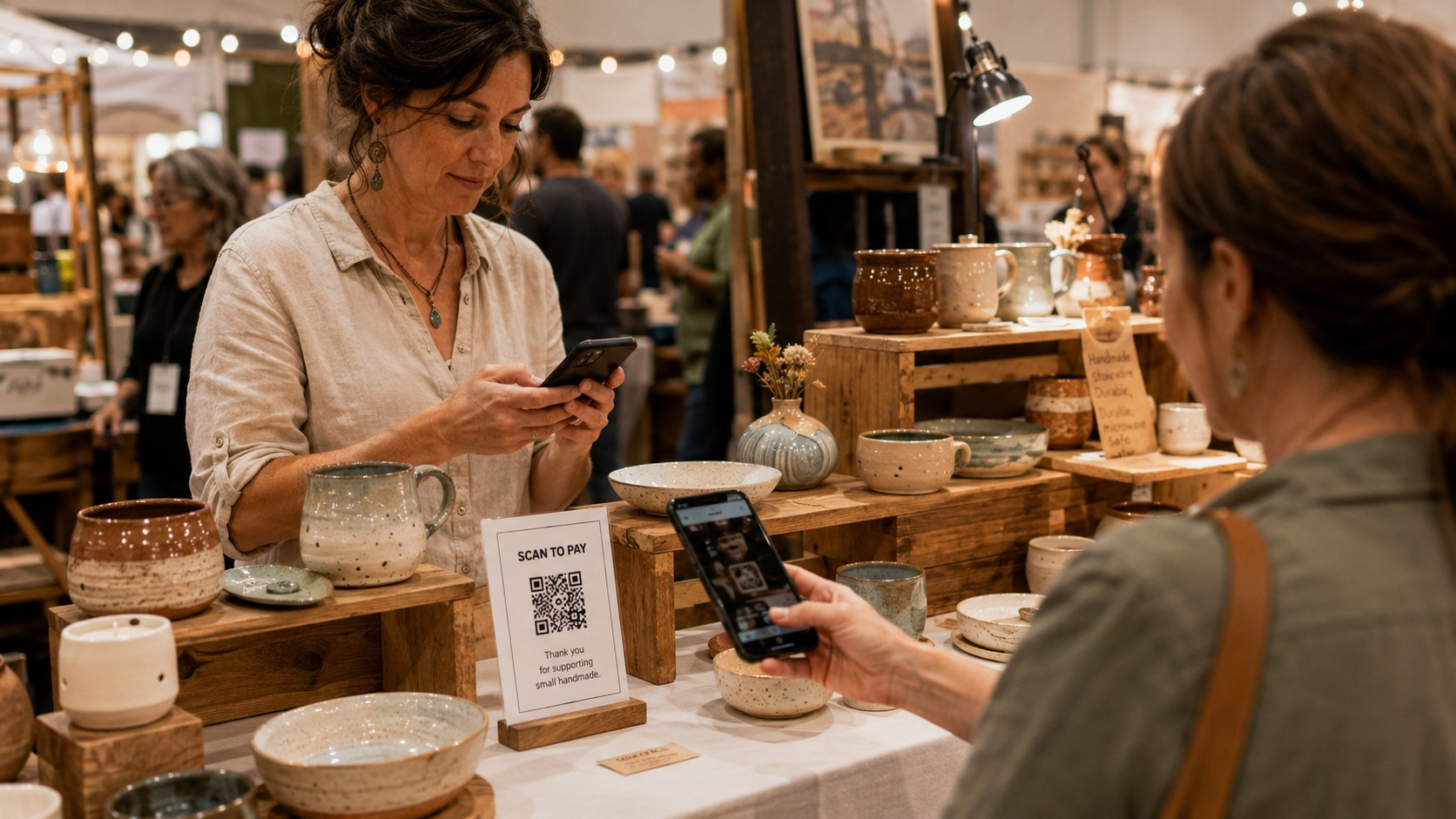
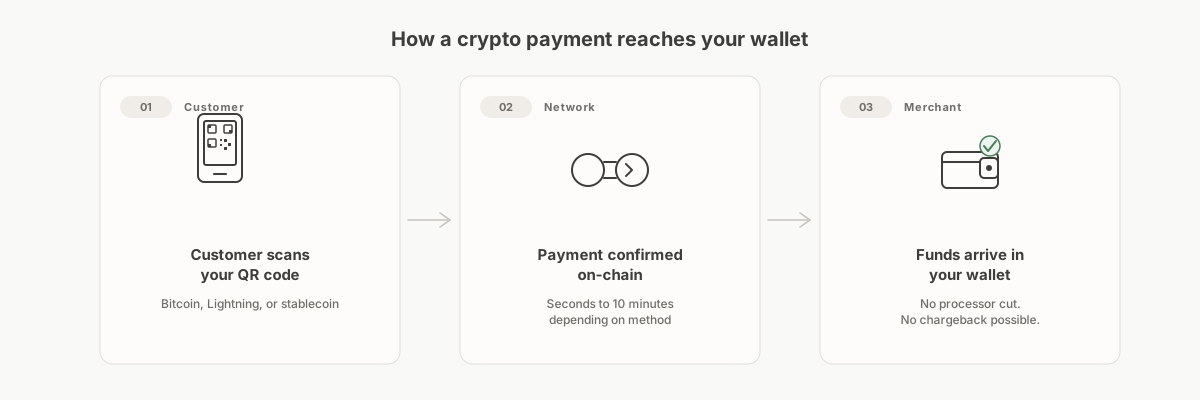
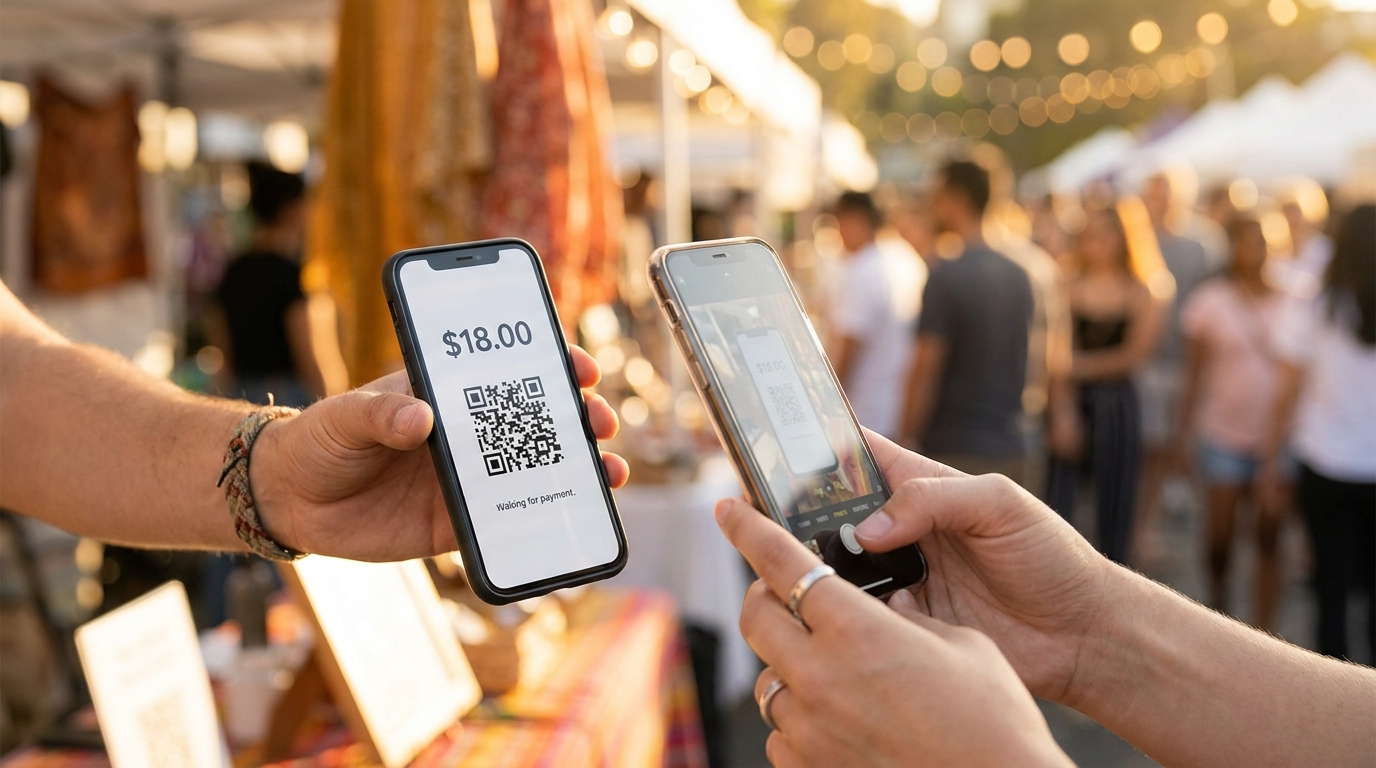
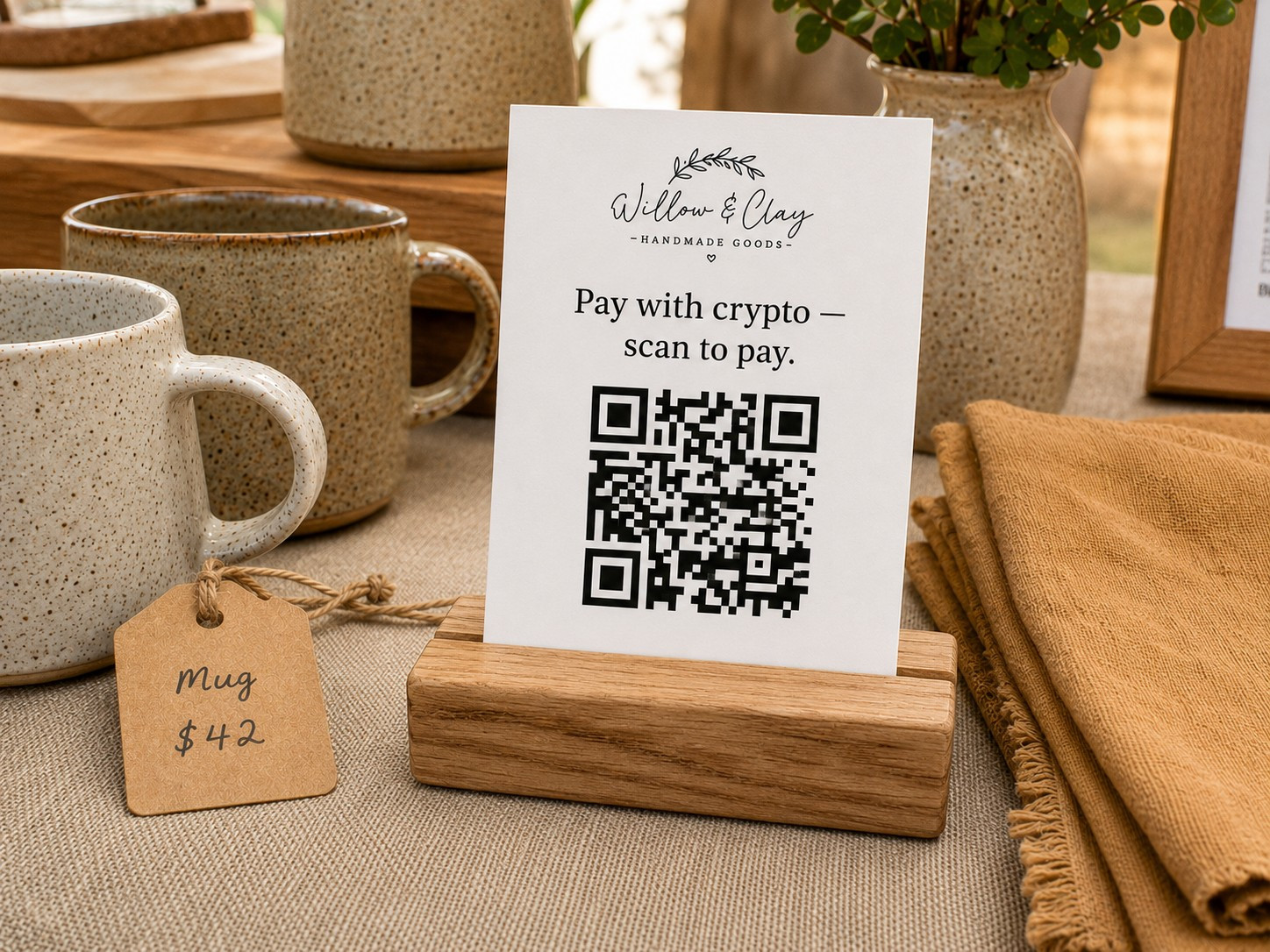
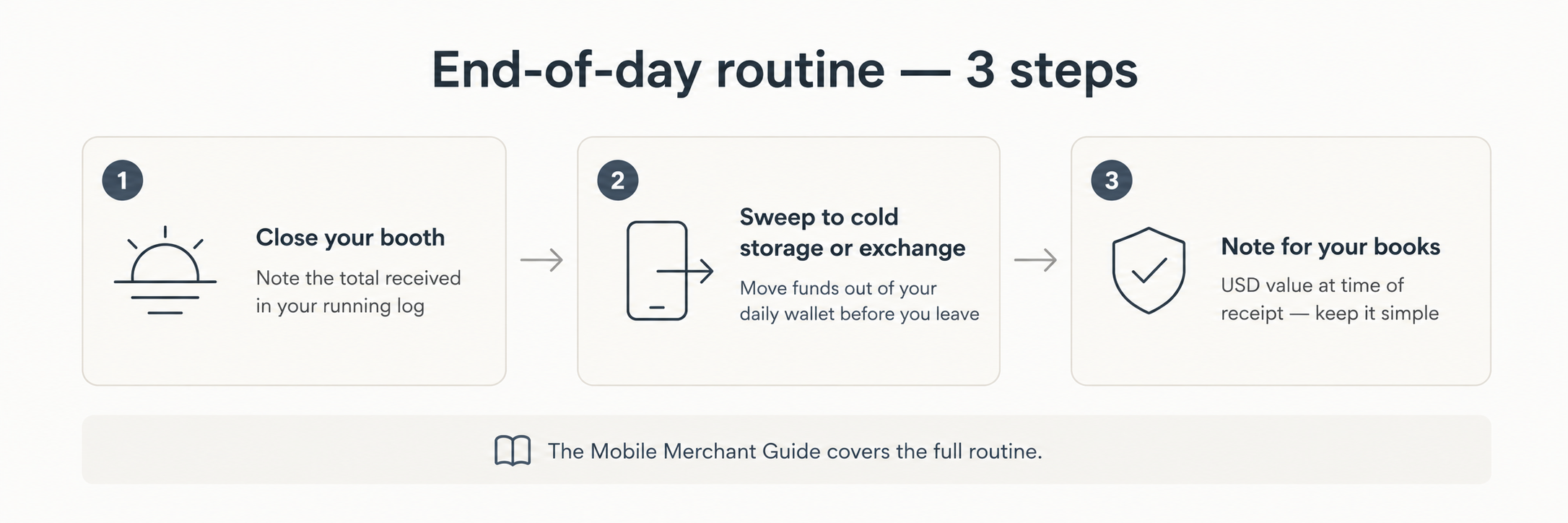
Craft shows are high-traffic, low-connectivity environments. You're sharing bandwidth with hundreds of other vendors and thousands of shoppers, there's no dedicated merchant account, and everything you bring has to fit in a tote bag. A static QR card printed the night before works fine here. The wallet runs on your phone, it displays offline, and it confirms on whatever signal you can get. The guides below walk through wallet selection for a booth setup, the laminated card workflow, connectivity fallbacks, and the end-of-day routine.
Recommended guides
Recommended for craft shows.
Each is a standalone purchase. Start with whichever matches where you are now.
The Pop-Up & Mobile Merchant's Guide to Crypto
A hands-on companion for taking crypto payments at markets, festivals, and food trucks. Covers offline setups, QR workflows, and what to do without a signal.
For: Craft market vendors, food truck operators, farmers market sellers, and anyone taking payments at temporary or outdoor events.
The 0-to-Live Launch Toolkit
A step-by-step go-live checklist for both the payment-processor path and the self-hosted path. Print it, check it off, go live.
For: Business owners who have decided to accept crypto and want a structured, nothing-missed process for going live.
The "Crypto Accepted Here" Media Kit
Signage copy and print-ready specs for counter cards, window decals, and online checkout banners. Everything a customer needs to know before they reach for their wallet.
For: Storefront retailers, restaurants, and online sellers who want professional customer-facing signage without designing it from scratch.
Free articles
More reading on this topic.
Self-Custody vs. a Payment Processor: Which Is Right for Your Business?
Two different approaches to accepting crypto payments. Neither is universally better. Here's what actually separates them.
Read the article →What Happens When a Customer Sends the Wrong Amount?
Underpayments, overpayments, wrong networks. These things happen. Here's how to handle each one.
Read the article →Want to see how the pieces fit before you buy anything? Our free, illustrative walk-through How a craft fair seller could accept crypto at a booth shows the whole decision end to end, from first question to a working setup. It is an educational example, not a sales pitch.
Looking for the full series, or want to compare everything in one place?
Browse the full catalog → or See bundle options →