Merchant type · Retail Storefronts
Crypto payments for retail stores

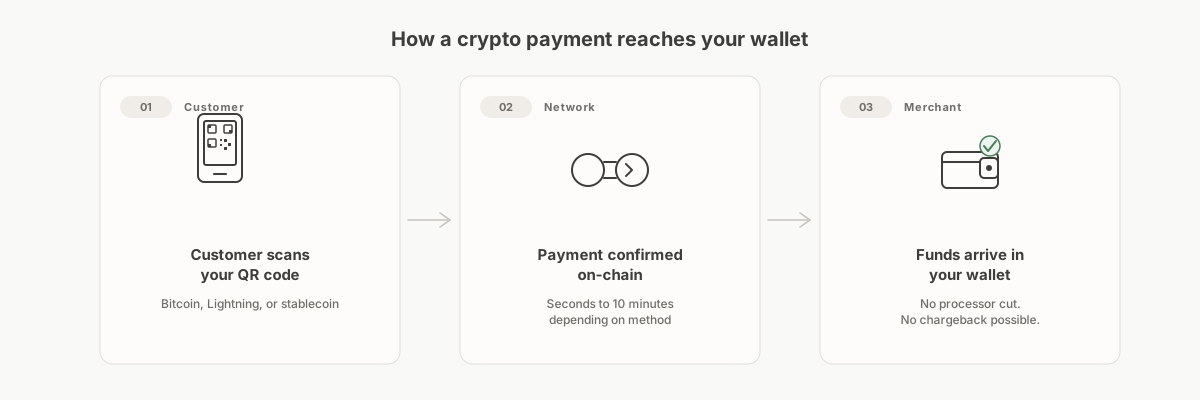
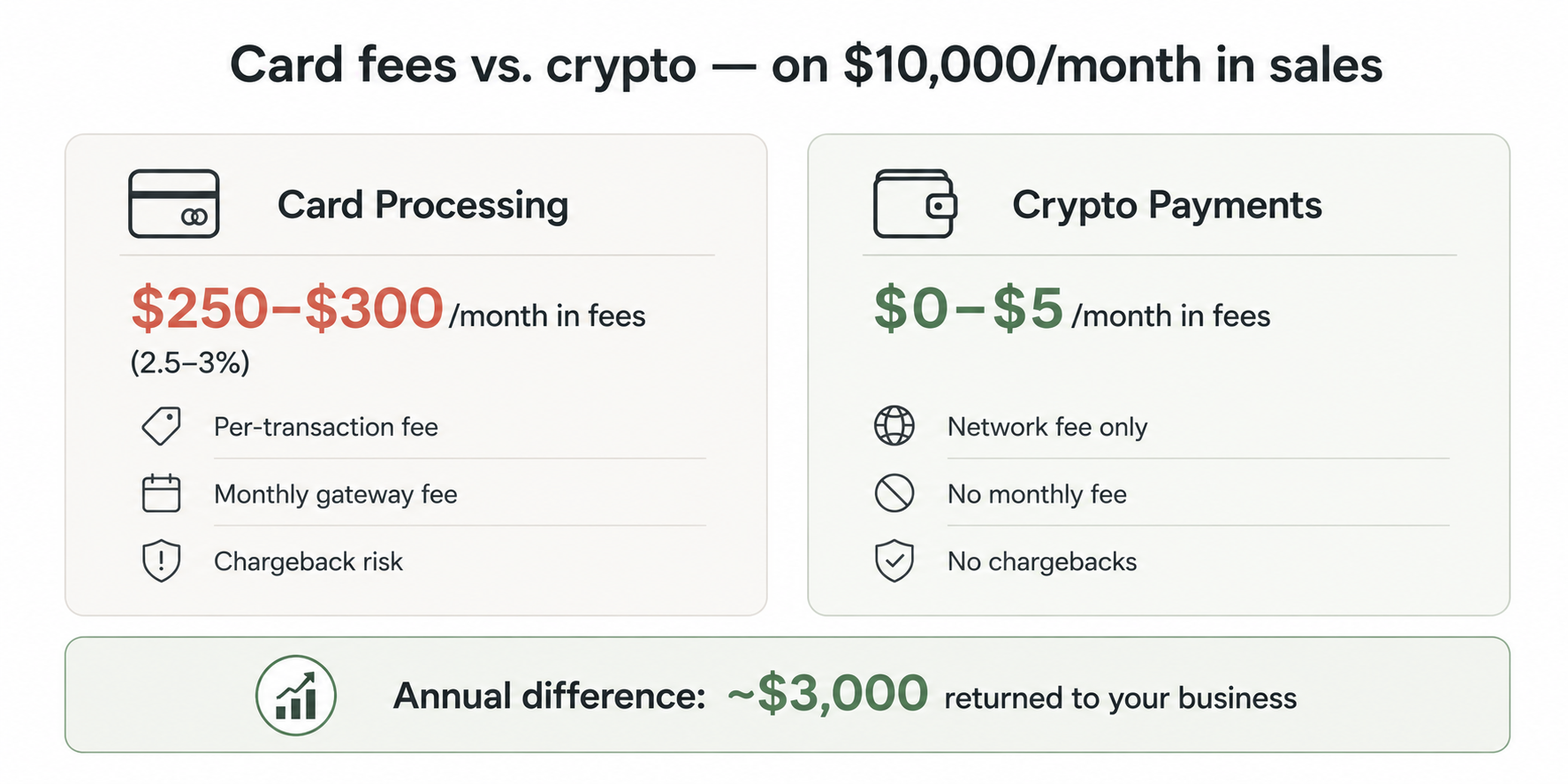
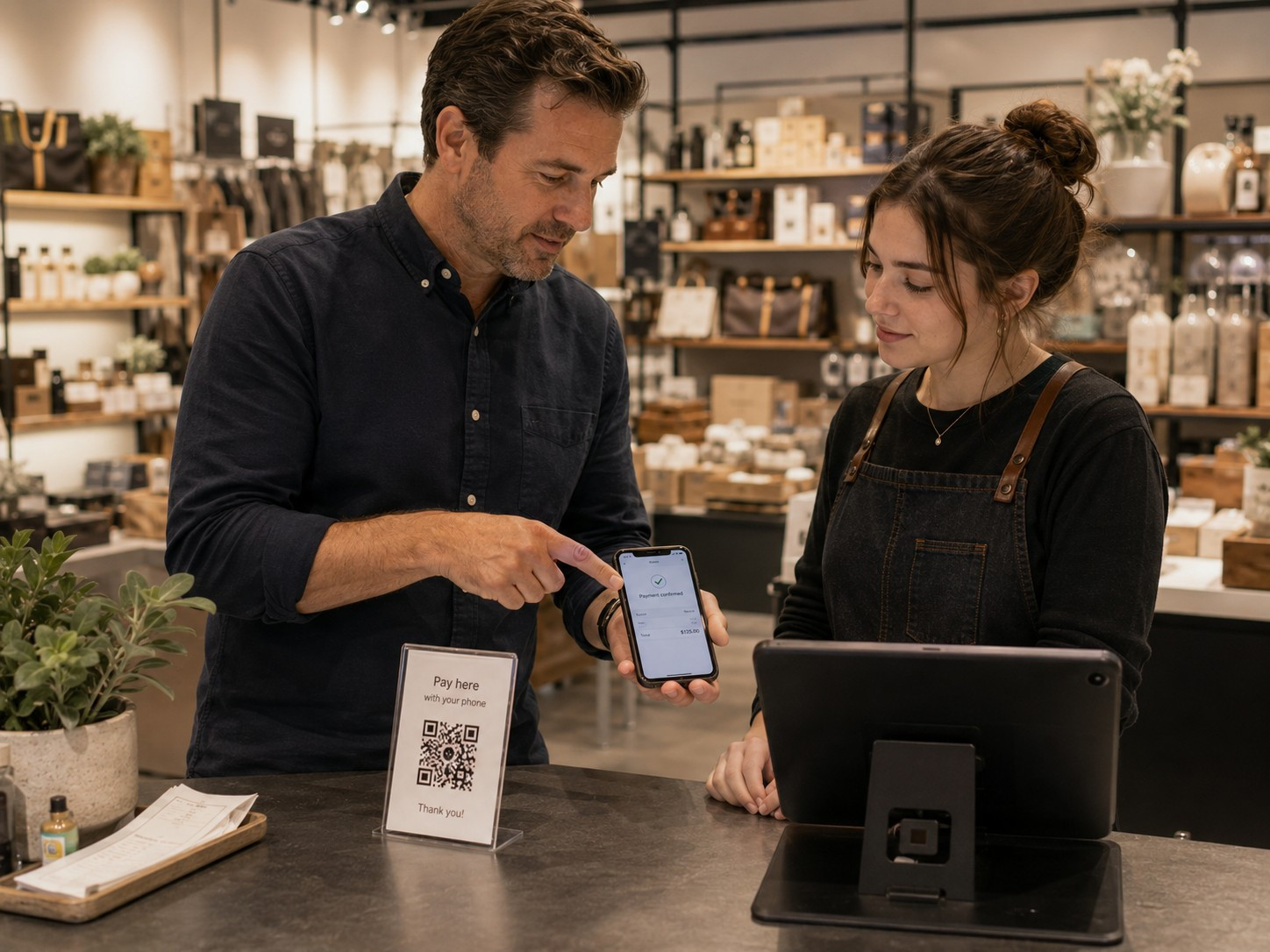
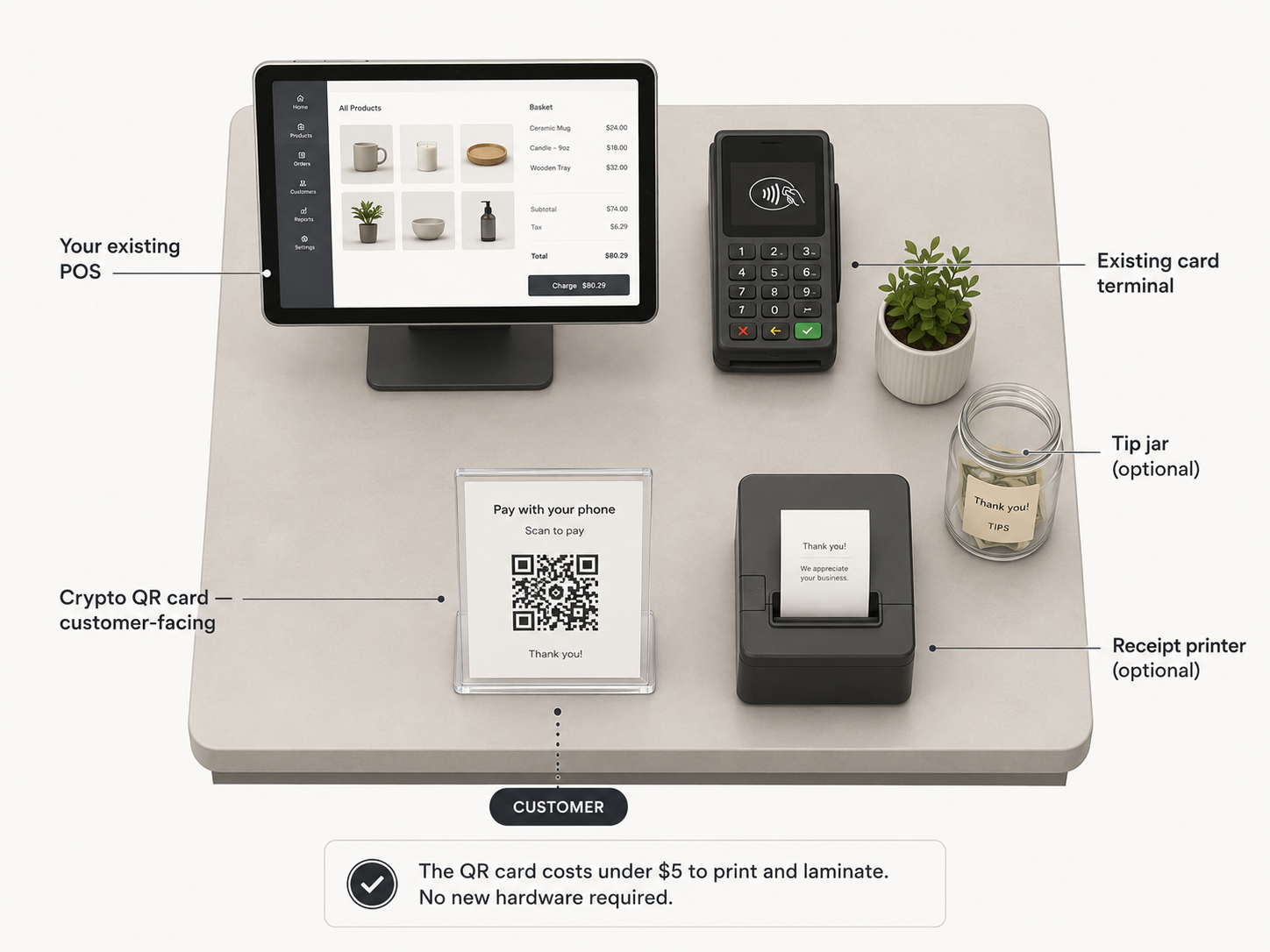
A permanent retail location means consistent foot traffic, counter staff who need a clear procedure, and card fees compounding across every transaction all year. The setup is more structured than a mobile wallet: a processor that integrates with your POS, counter signage that explains the option without confusing card customers, and a staff training process that fits in one shift meeting. These guides cover the storefront setup from choosing a processor through training your team and putting signage next to the register.
Recommended guides
Recommended for retail storefronts.
Each is a standalone purchase. Start with whichever matches where you are now.
The Counter Crew Playbook
Ready-to-use cashier scripts, a customer FAQ, and register rules so your team can handle crypto transactions from day one.
For: Retail stores, restaurants, cafes, and any business where counter staff take payments and need a clear procedure to follow.
The 0-to-Live Launch Toolkit
A step-by-step go-live checklist for both the payment-processor path and the self-hosted path. Print it, check it off, go live.
For: Business owners who have decided to accept crypto and want a structured, nothing-missed process for going live.
The "Crypto Accepted Here" Media Kit
Signage copy and print-ready specs for counter cards, window decals, and online checkout banners. Everything a customer needs to know before they reach for their wallet.
For: Storefront retailers, restaurants, and online sellers who want professional customer-facing signage without designing it from scratch.
Free articles
More reading on this topic.
How to Train Employees to Accept Crypto Payments
Most employees don't need a crypto education. They need a clear procedure. Here's how to give them one.
Read the article →Self-Custody vs. a Payment Processor: Which Is Right for Your Business?
Two different approaches to accepting crypto payments. Neither is universally better. Here's what actually separates them.
Read the article →Want to see how the pieces fit before you buy anything? Our free, illustrative walk-through How a retail boutique could add crypto at the counter shows the whole decision end to end, from first question to a working setup. It is an educational example, not a sales pitch.
Looking for the full series, or want to compare everything in one place?
Browse the full catalog → or See bundle options →